16 free online tools that never ask you to sign up
QR codes, background removal, stem splitting, invoices, timers and more — sixteen free tools with no account, no watermark and, for almost all of them, no upload.
· 9 min read · by zernonia
You know how it goes. You need something small — a QR code, a smaller image, a background removed — and the first result does it, sort of. Then it wants an email address before you can download. Then the download has a watermark. Then the QR code you printed on two hundred flyers stops working because the "free trial" ended.
Everything on zeal.tools works the other way round. There is no account to make, so there is nothing to sign up for. There is no watermark on anything you download. And almost every tool runs inside your browser, so the photo, song or document you give it never leaves your device. Here are all sixteen.
1. QR Code Generator
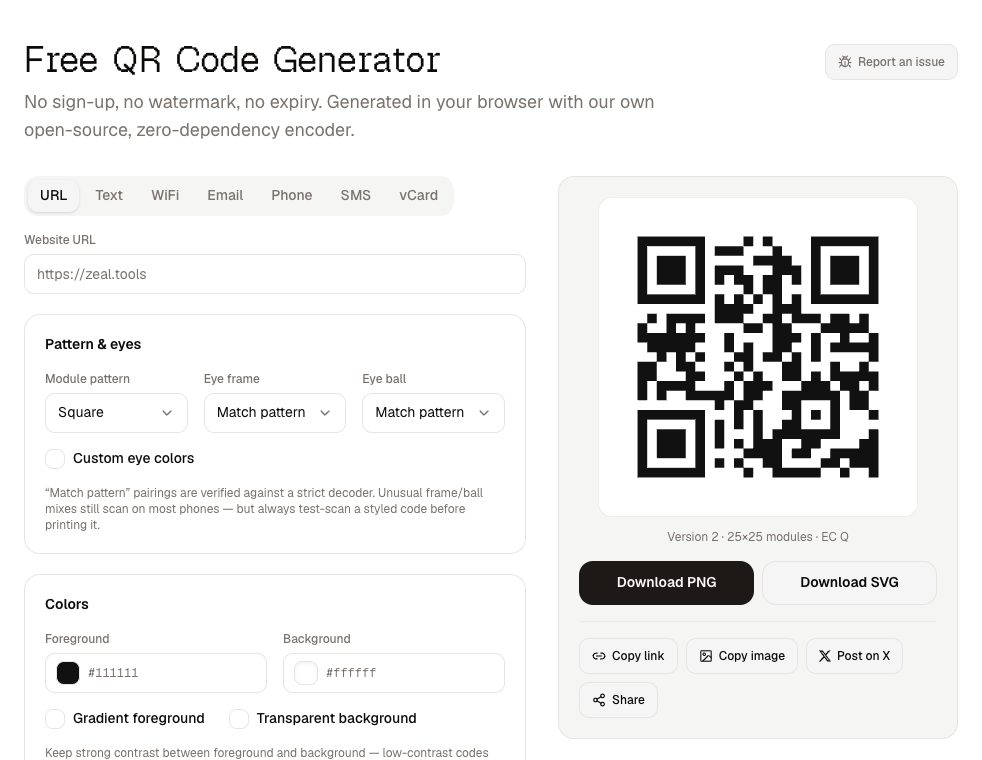
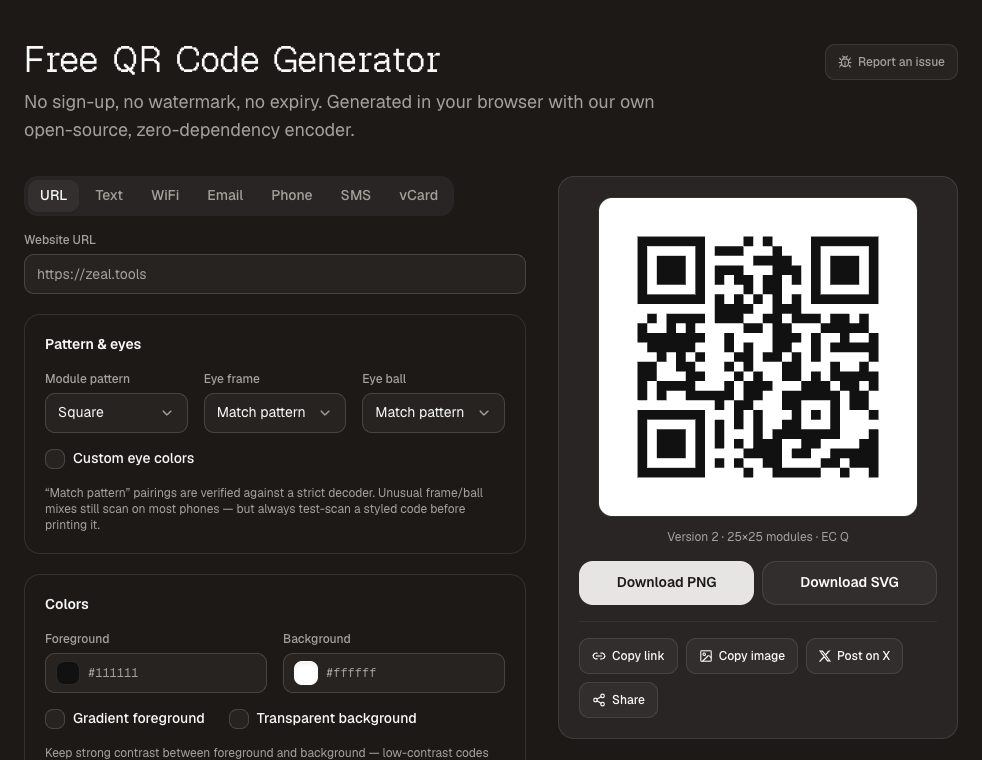
The QR code generator makes codes for links, WiFi, contact cards, email, phone and SMS, and downloads them as PNG or SVG. The codes are static: the link is encoded in the pattern itself, so they never expire, never redirect through anyone's server and never stop working when a subscription lapses. That is the main trap with "free" QR sites, which often make a dynamic code that points at their own short link.
There are dedicated pages for WiFi QR codes , which let guests join your network without typing a password, and for vCard QR codes on business cards.
2. Background Remover
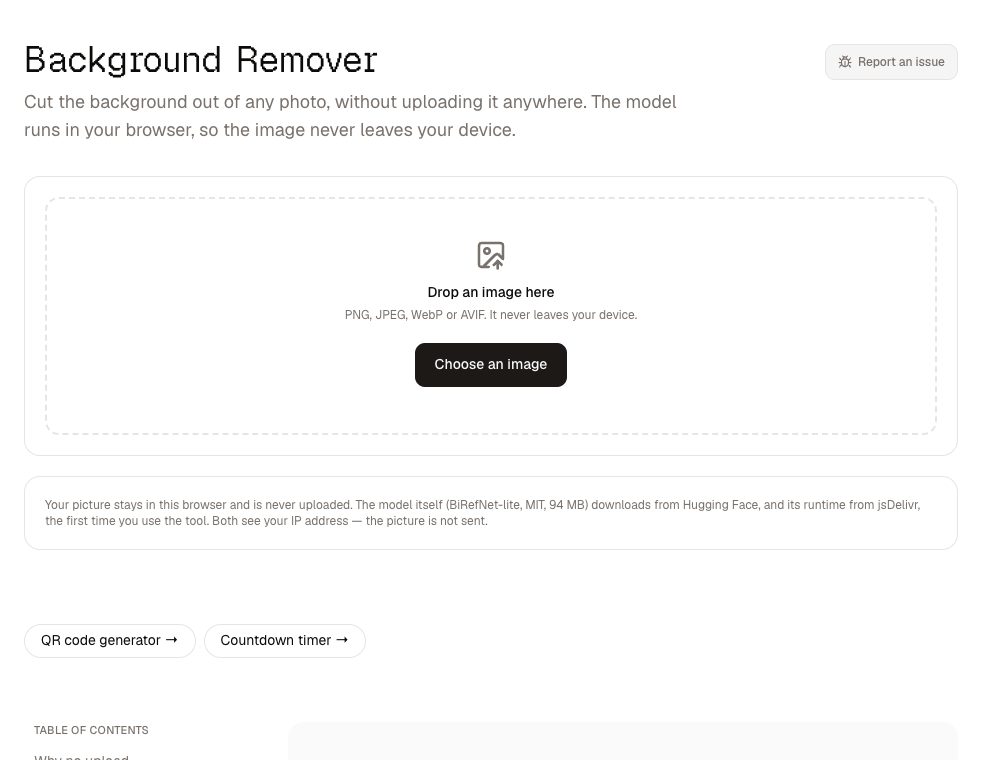
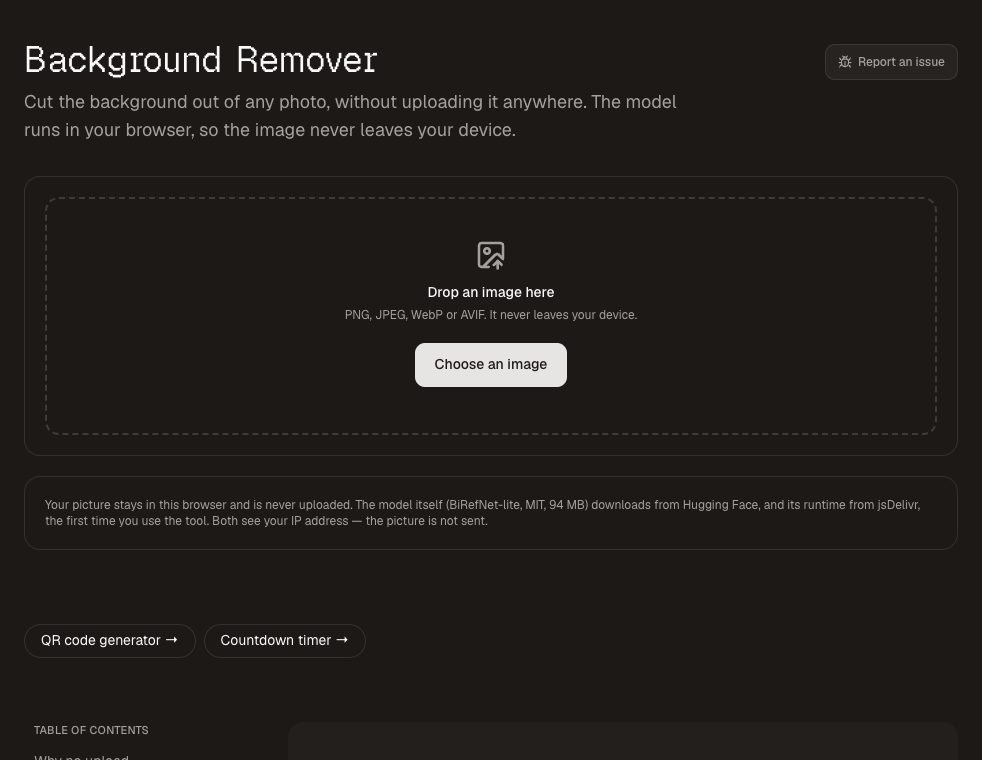
The background remover cuts the subject out of a photo and gives you a transparent PNG, or drops it onto a solid colour. The AI model runs on your own computer, so the photo is never uploaded, and there are no per-image credits.
3. Stem Splitter
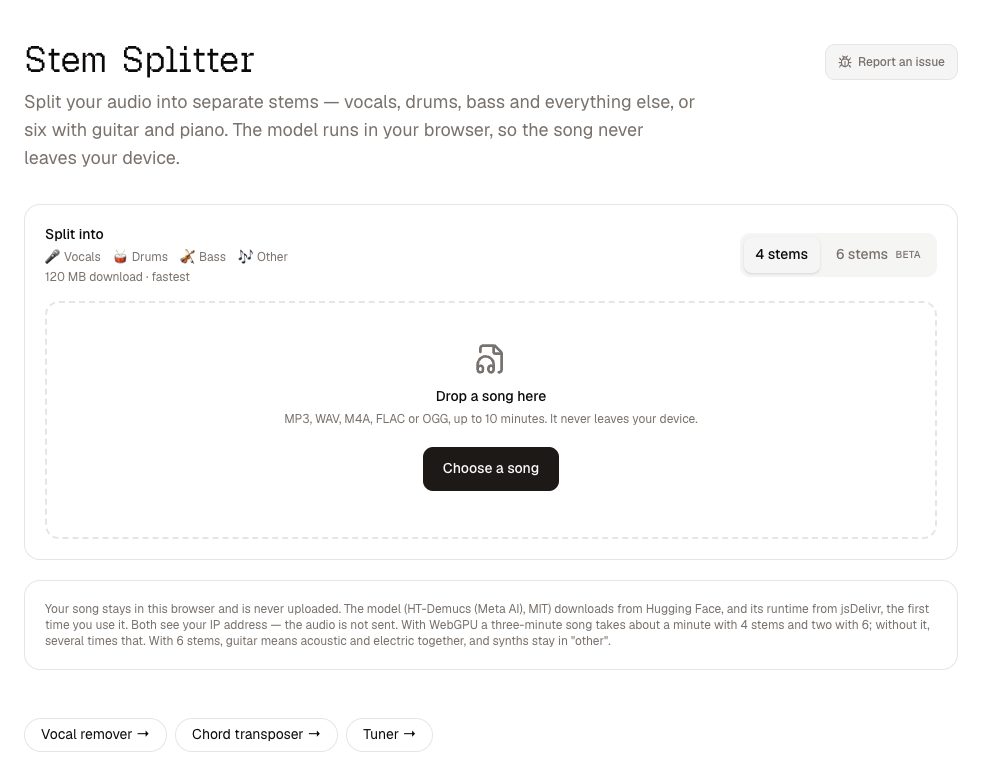
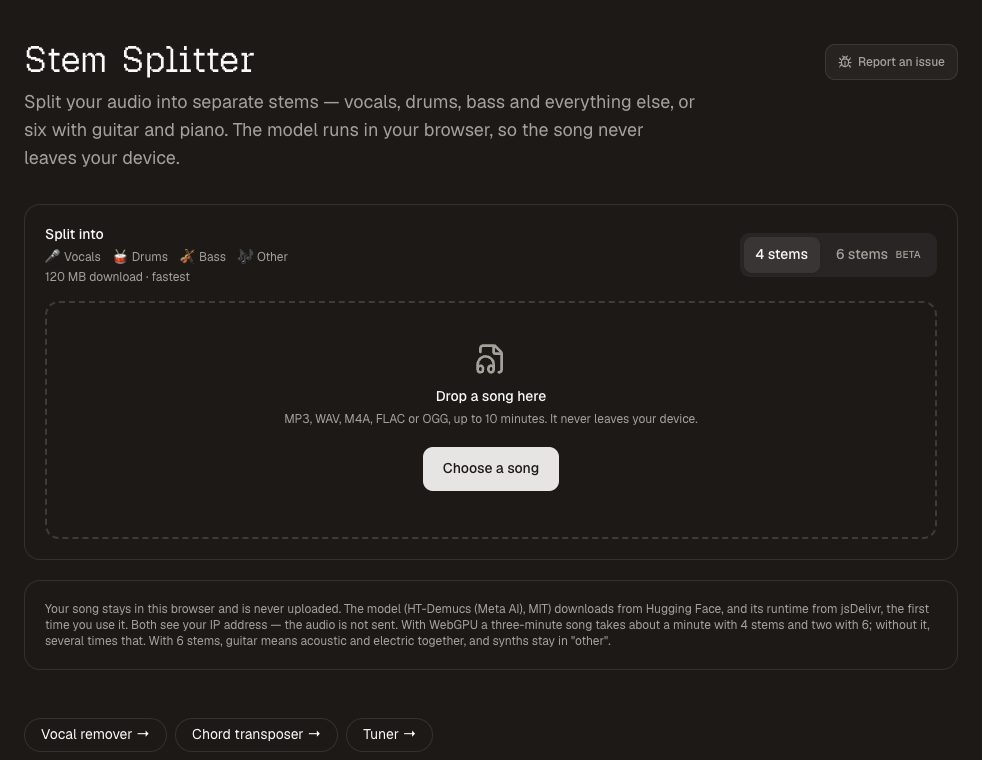
The stem splitter separates a song into vocals, drums, bass and everything else — or six stems with guitar and piano — and lets you mute, solo and download each one as WAV. Like the background remover, the model runs in your browser. Shortcut pages open on the most common jobs: the vocal remover , the acapella extractor and the drum remover .
4. Image Compressor
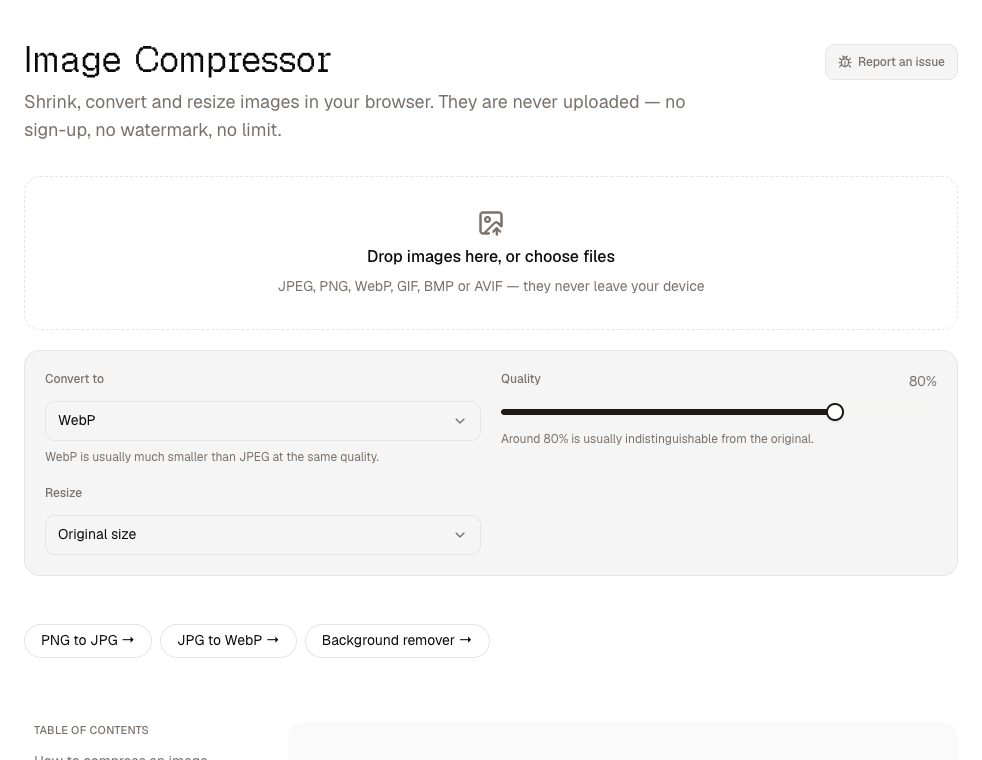
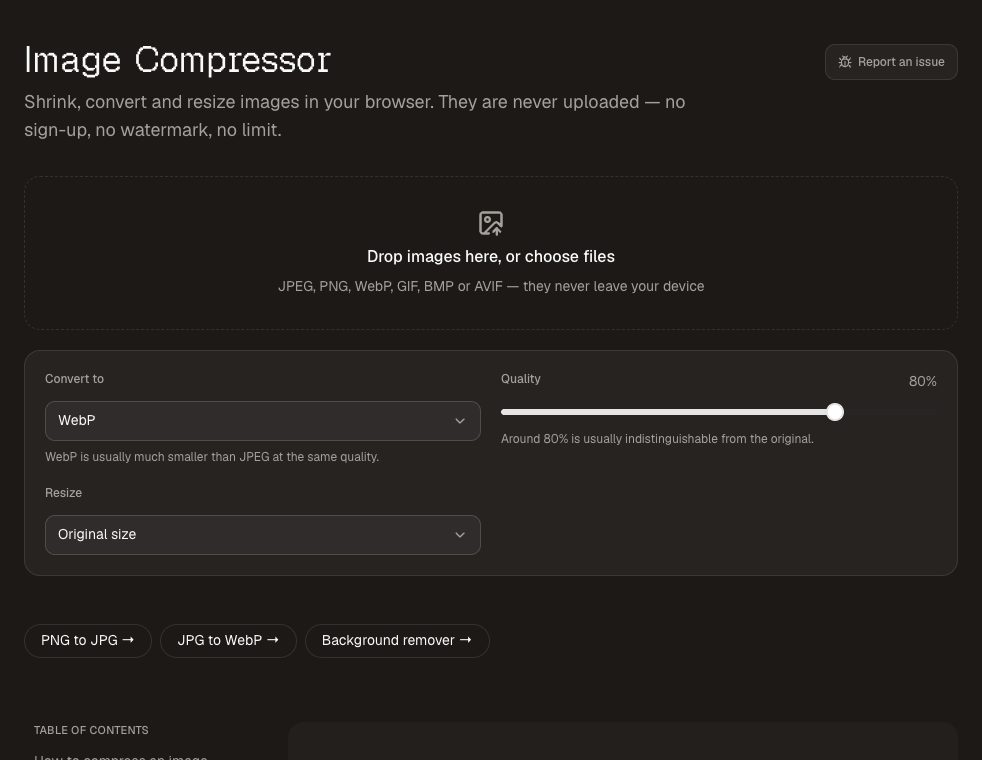
The image compressor shrinks, resizes and converts JPEG, PNG and WebP images in batches, shows exactly how much smaller each one got, and downloads them one by one or as a zip. It also covers the common conversions: PNG to JPG and JPG to WebP .
5. Send to Device
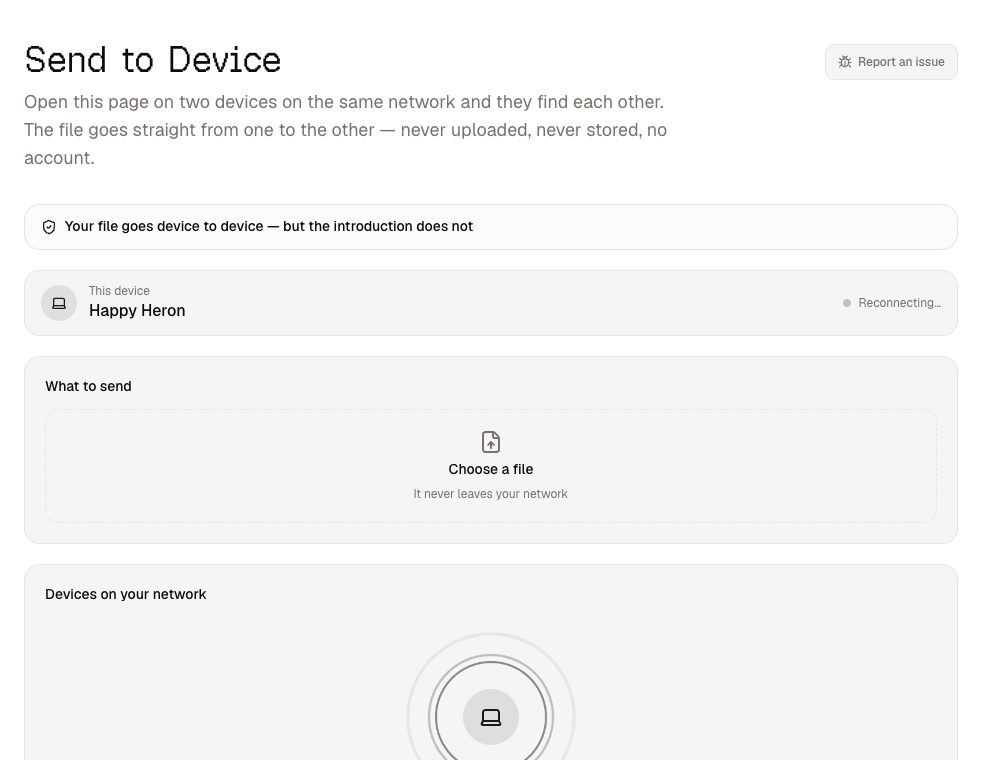
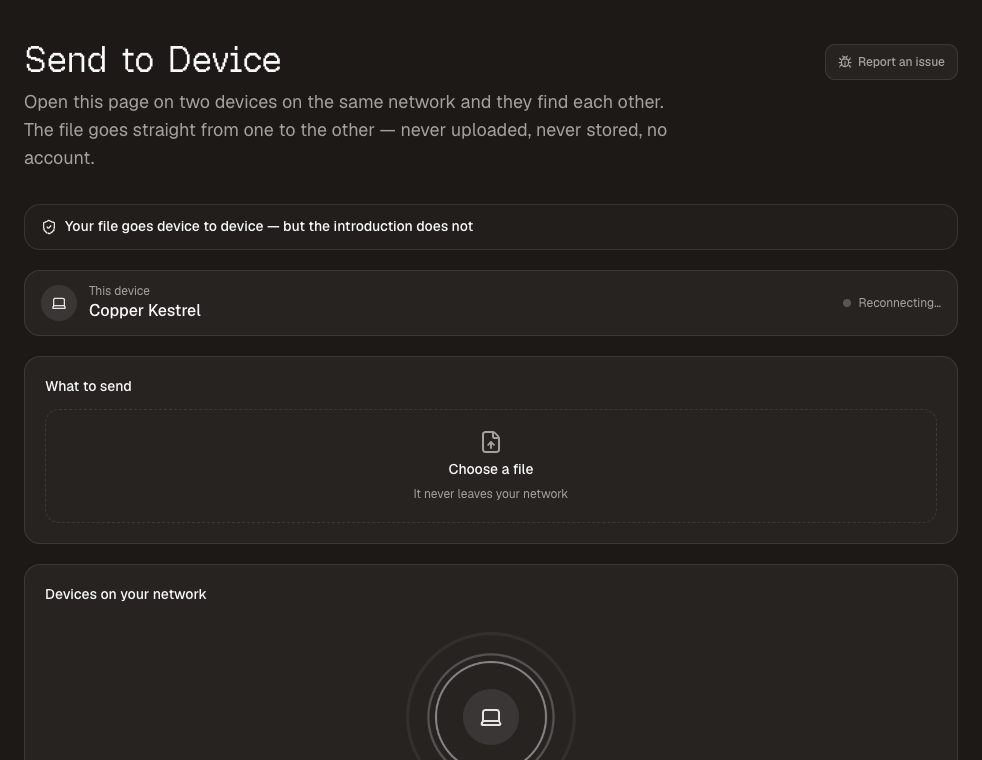
Send to device moves a file between your phone and your laptop with no cable, no app and no account. Open the page on both, they find each other on your network, and the file travels directly between them over an encrypted connection. It needs both devices on the same network — that is the price of the file never touching a server. Every transfer asks the receiver first.
6. Invoice Maker
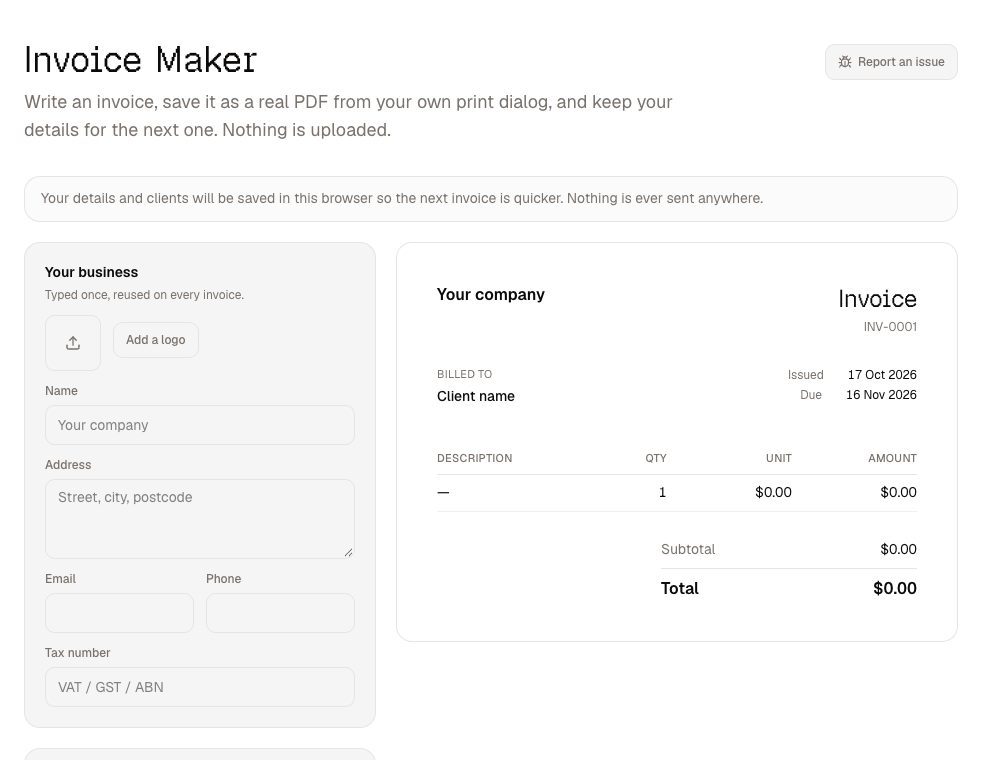
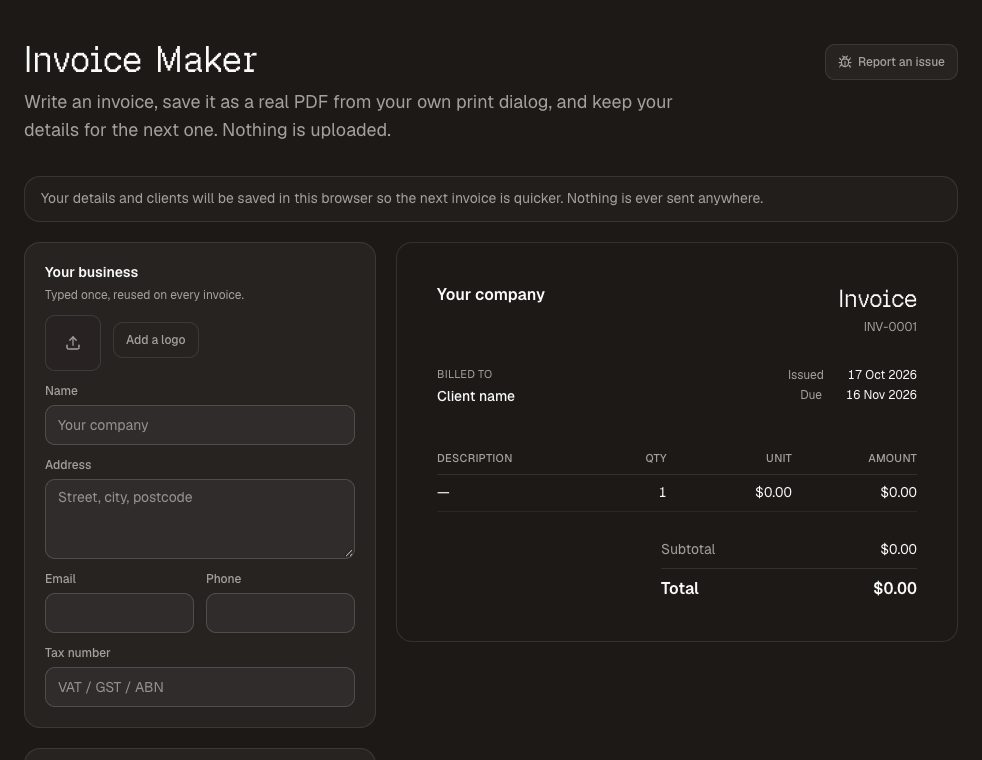
The invoice maker builds a clean invoice and saves it as a PDF through your browser's own print dialog. Your business details, logo and clients are remembered on your device, so the next invoice takes a minute. Amounts are held as whole cents, so the lines always add up to the total, and currencies without decimals, like yen, are handled properly.
7. Password Generator
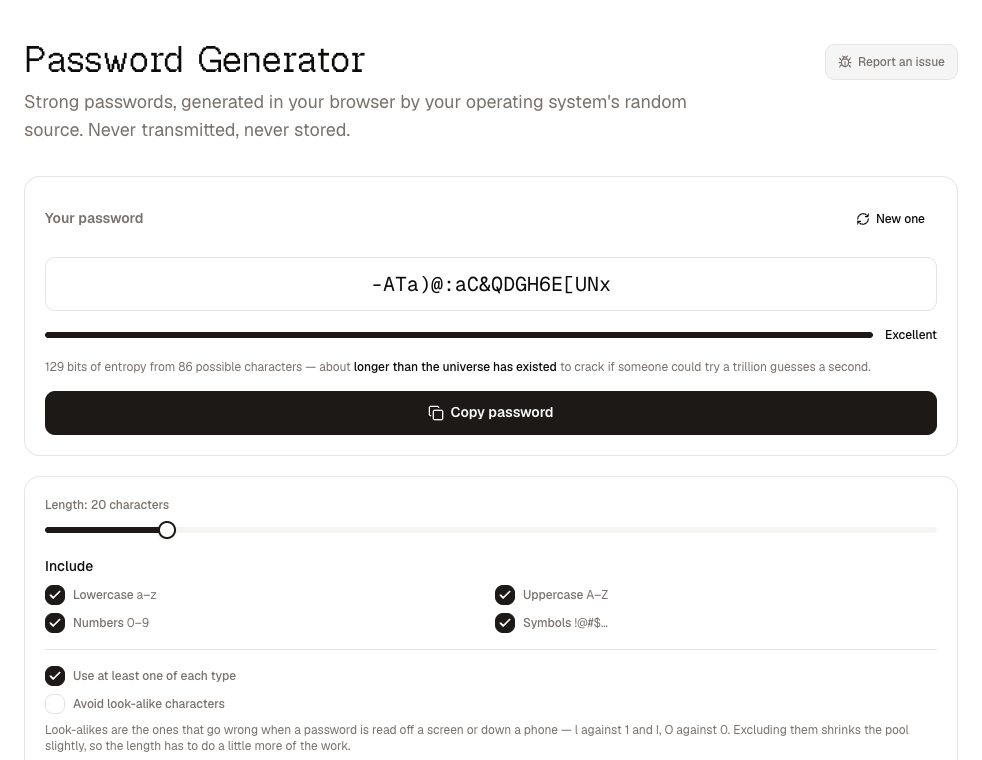
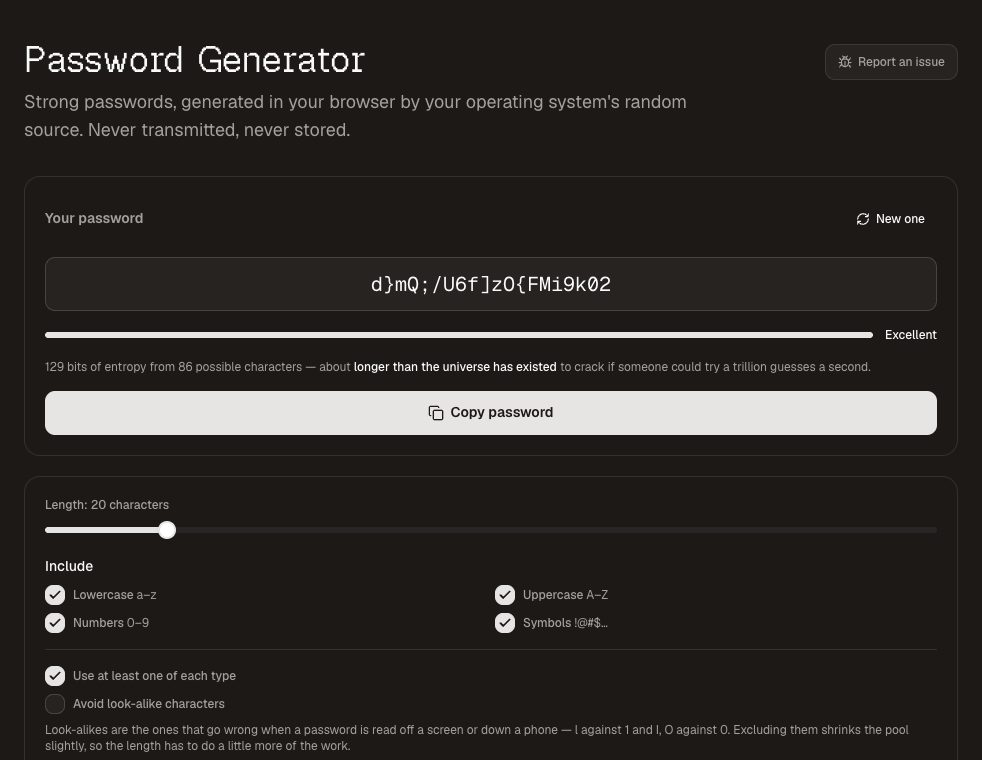
The password generator creates passwords from your operating system's cryptographic random source, inside the page, and shows the entropy and the time it would take to crack. It is never transmitted or stored — which is the only acceptable way for a password generator to work.
8. EXIF Viewer
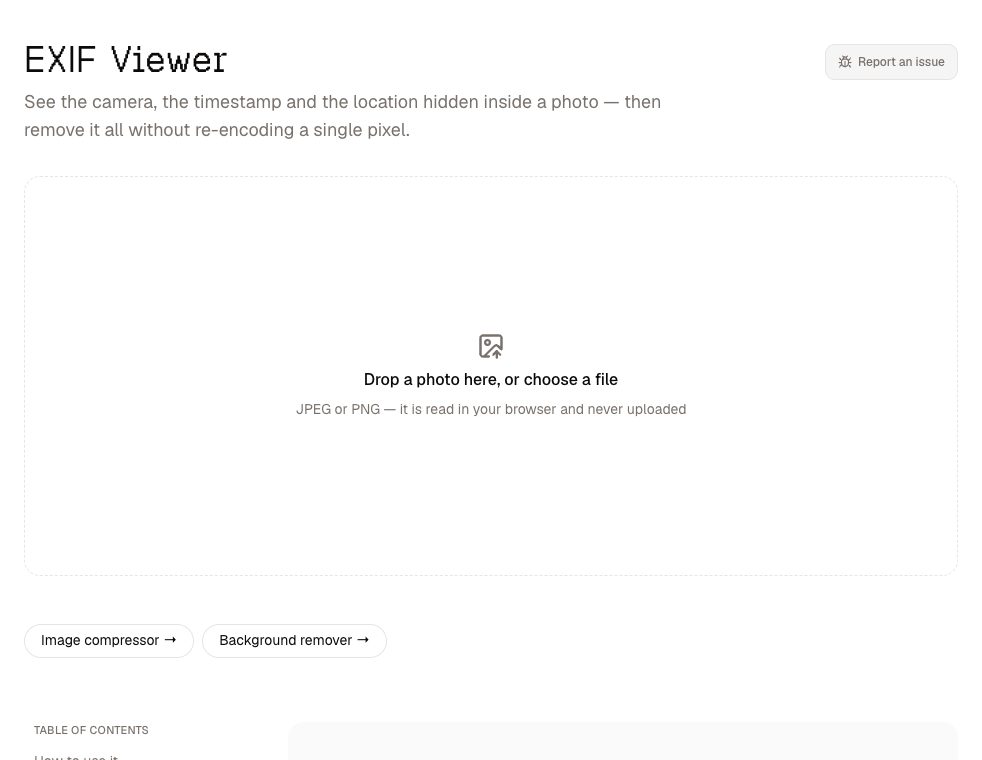
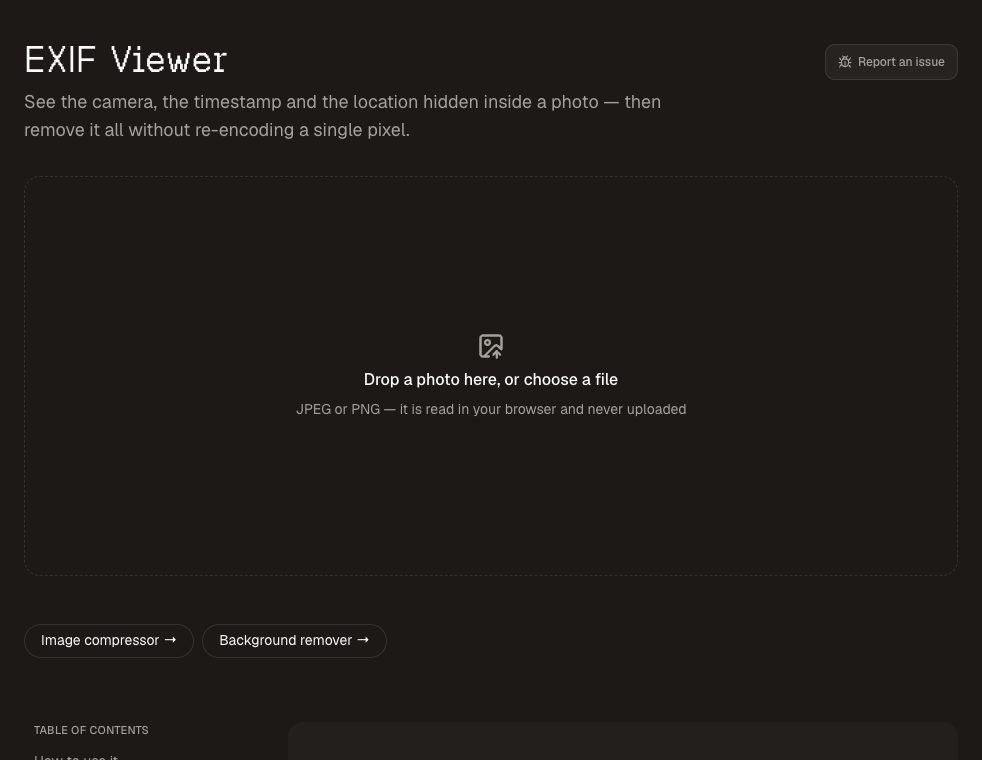
Photos carry hidden metadata: the camera, the time and often the exact GPS location. The EXIF viewer shows you what is in yours and downloads a copy with it removed — losslessly, so the image itself is copied byte for byte and nothing is re-compressed.
9. Name Picker
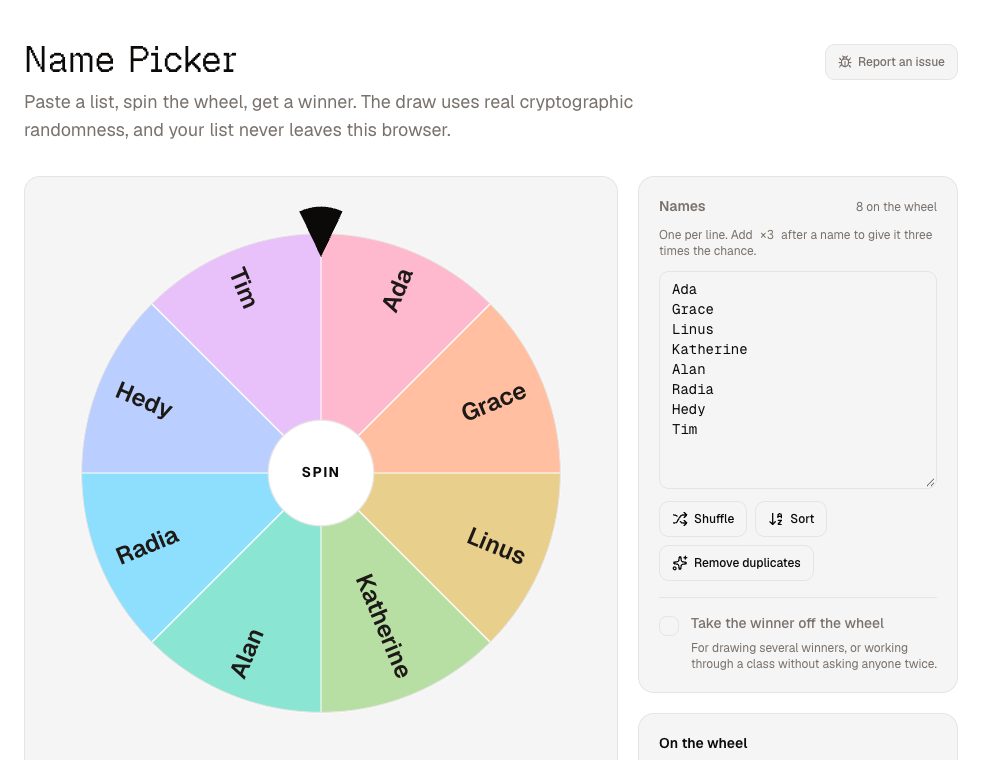
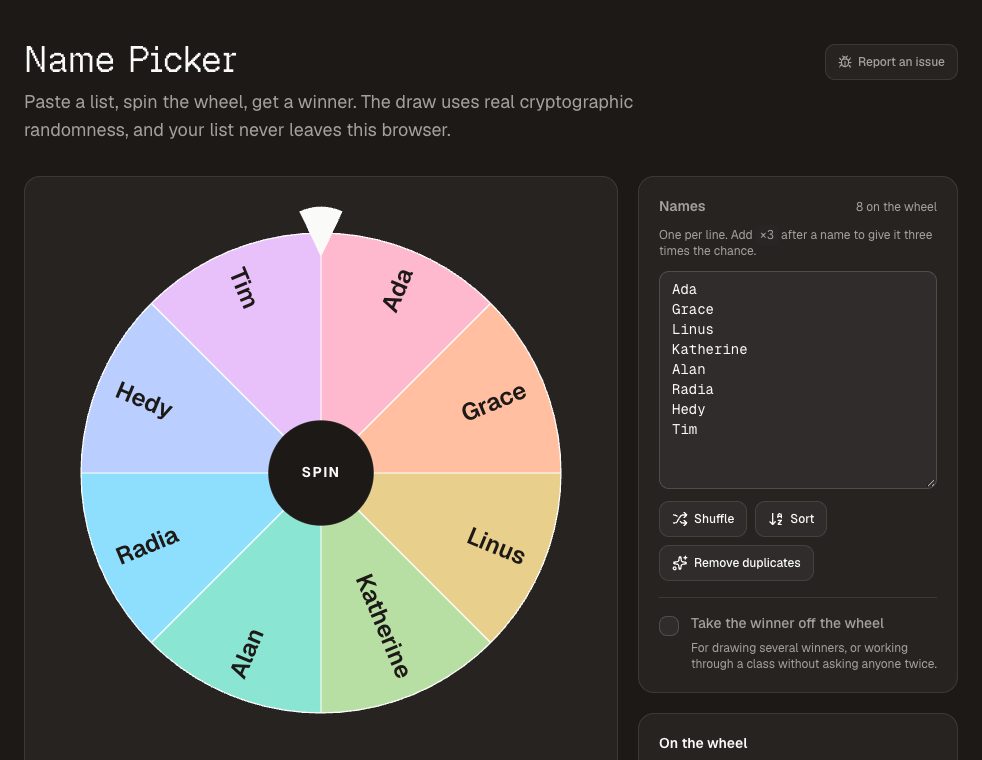
The name picker spins a wheel and draws a name using a cryptographic random source rather than a rough approximation of one. It can remove each winner, give some names extra weight, and remember your list. There are versions tuned for raffles and classrooms .
10. Meta Tag Checker
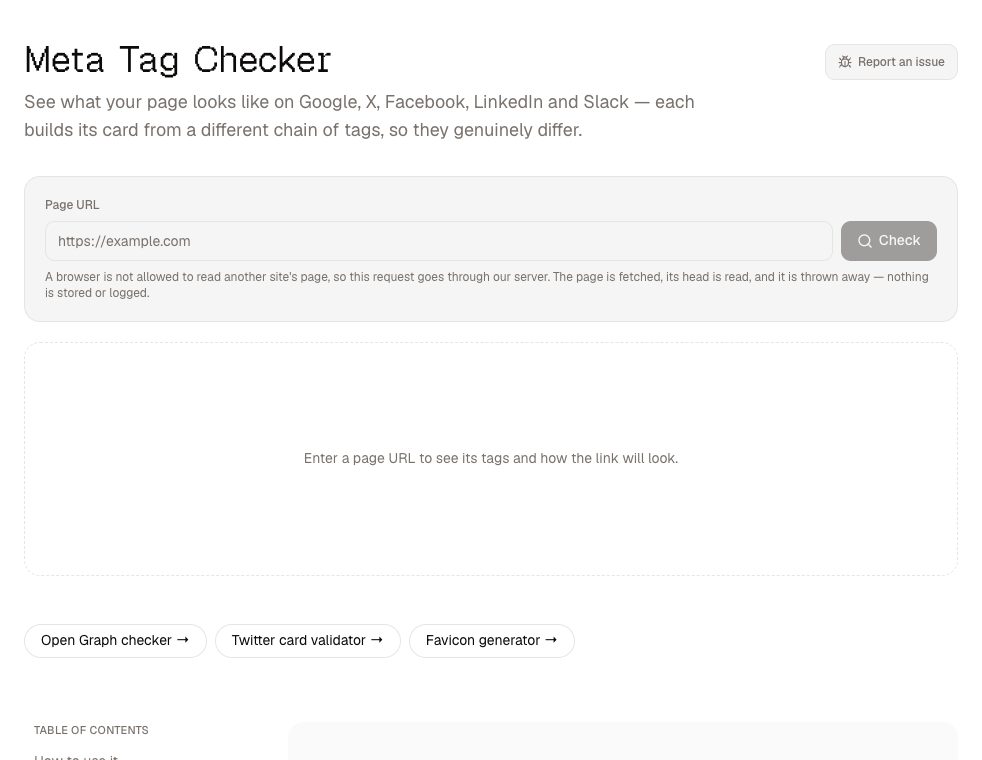
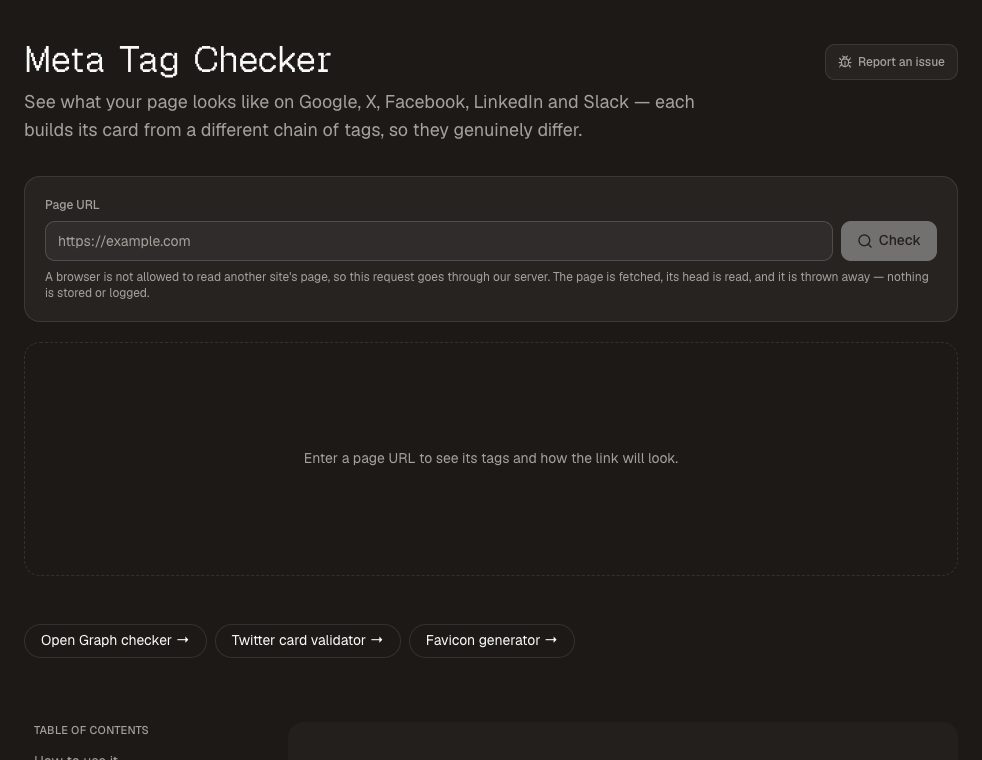
Paste a URL into the meta tag checker and see the link preview as Google, X, Facebook, LinkedIn and Slack will each build it — they all use different fallbacks. It reports missing tags and titles that will be cut off, and writes the tags you are missing. This is the one tool whose input reaches our server, because browsers forbid a page from reading another site's HTML; it reads only the page's head and returns the tags, never the page.
11. Favicon Generator
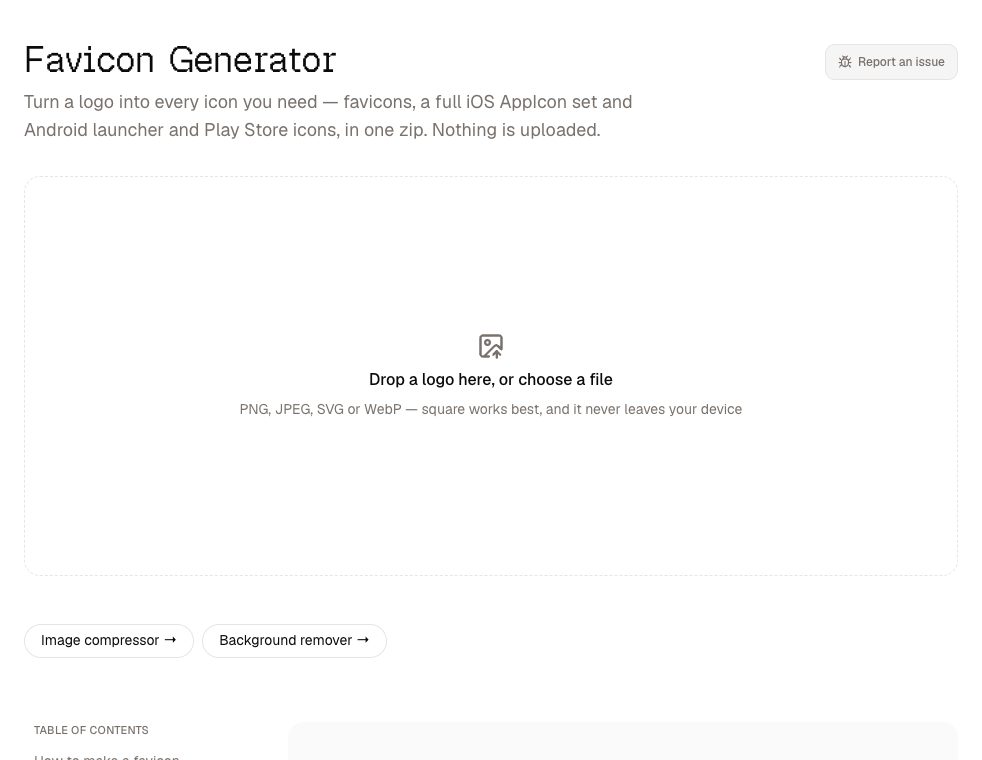
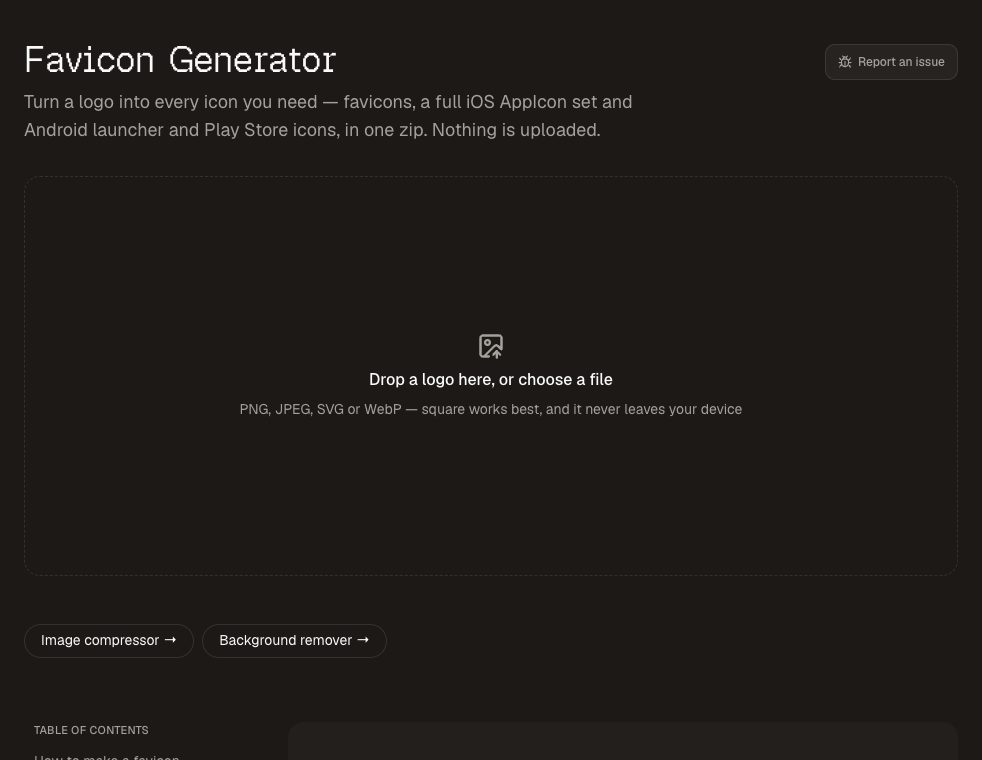
Drop a logo into the favicon generator and get favicon.ico, the Apple touch icon, the Android icons, a web manifest and the HTML to paste — as one zip, with a deliberately short file list instead of thirty legacy sizes. SVG logos work too.
12. Chord Transposer
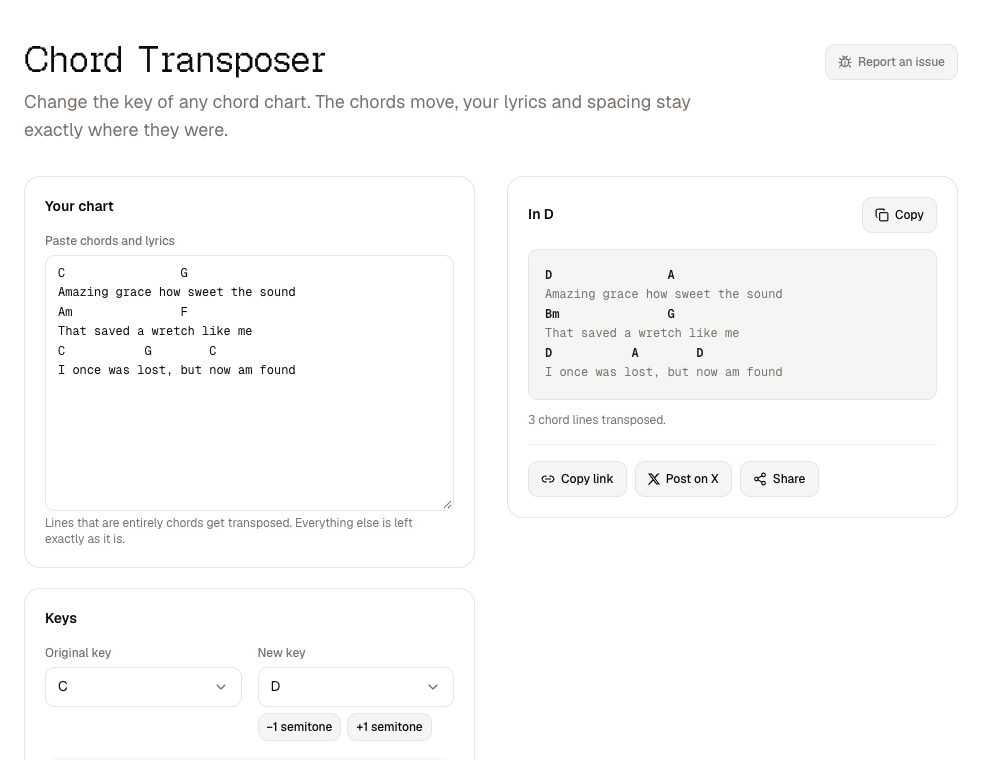
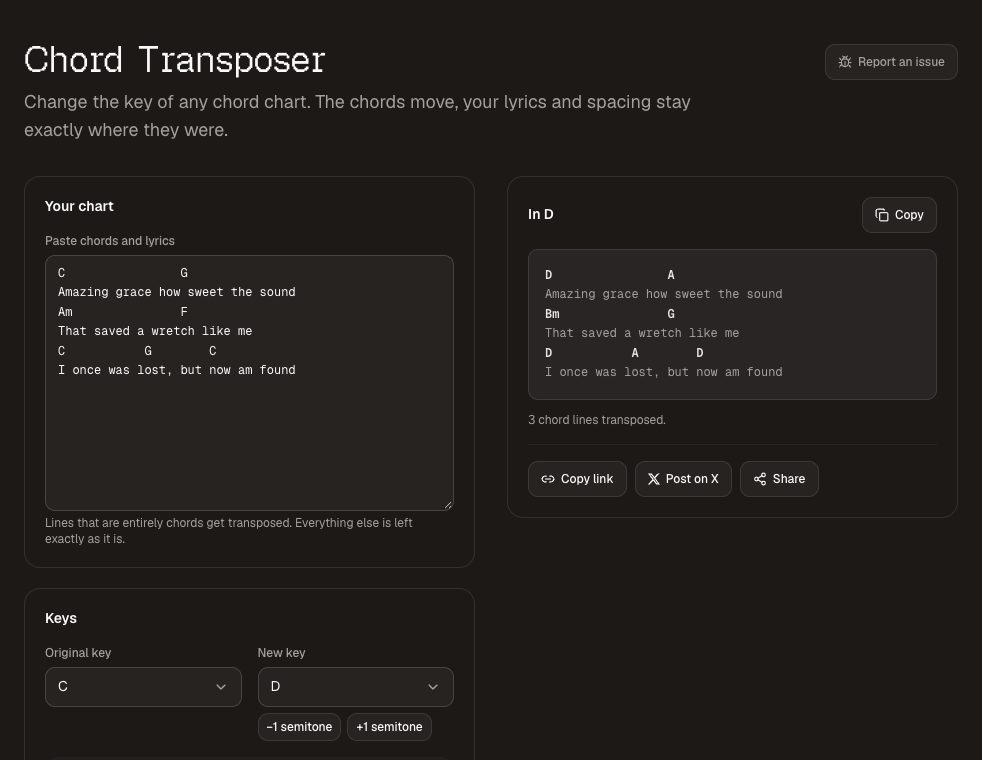
The chord transposer moves a pasted chord chart to any key while leaving the lyrics and alignment exactly as they were — a line is only transposed when every word on it is a chord, so "Amazing" stays a word. The capo calculator works out which shapes to play for any capo position.
13. Tuner
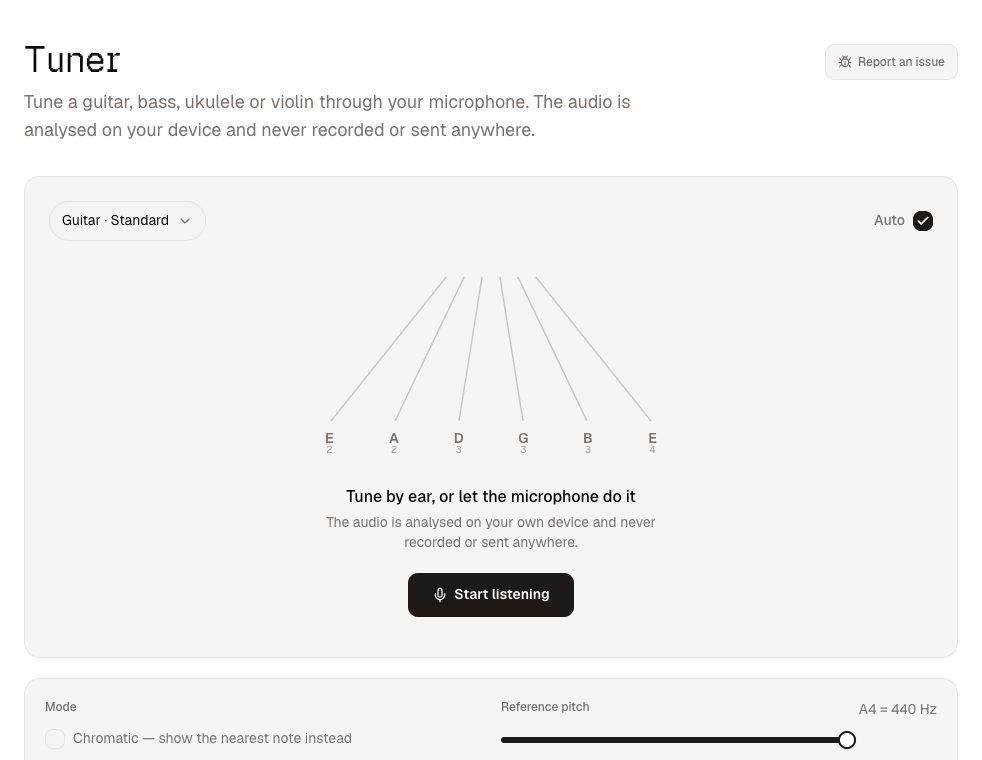
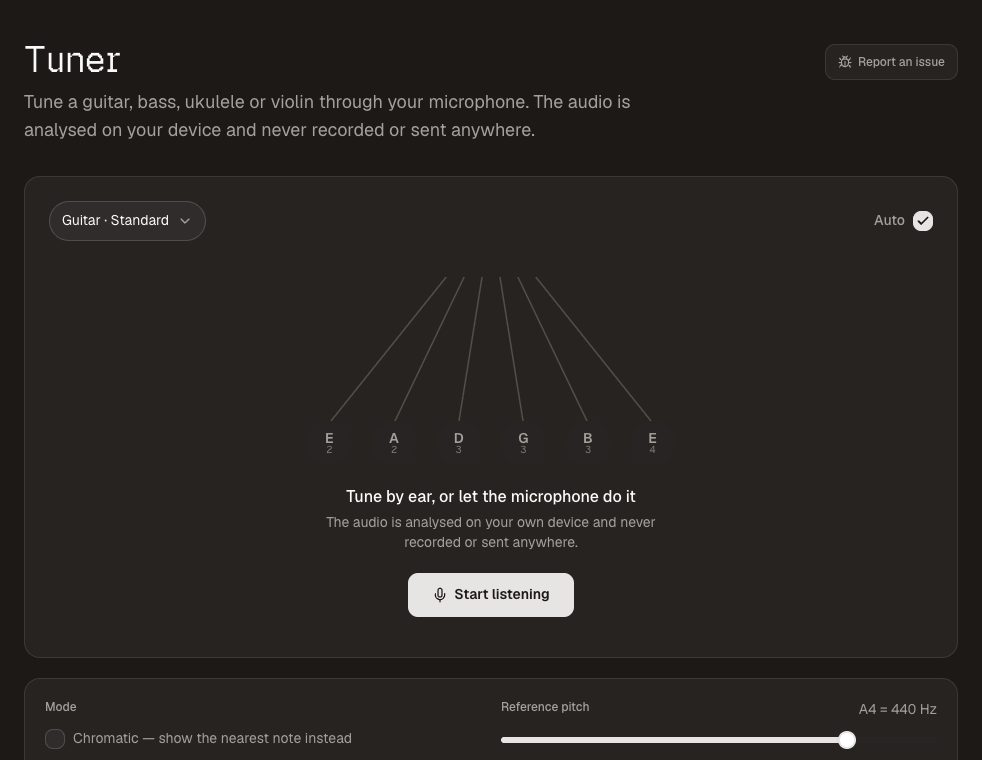
The tuner listens through your microphone and shows the note, how many cents you are out and which string you are aiming for, with presets for guitar , bass and ukulele . The audio is analysed on your device and never recorded.
14. Stage Timer
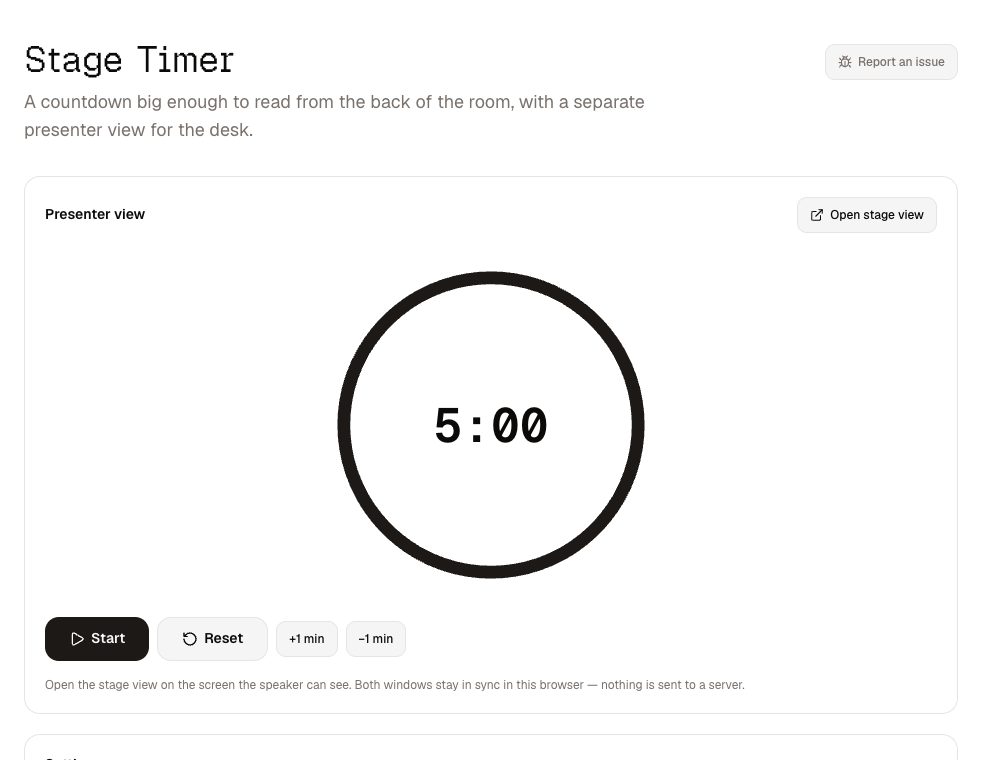
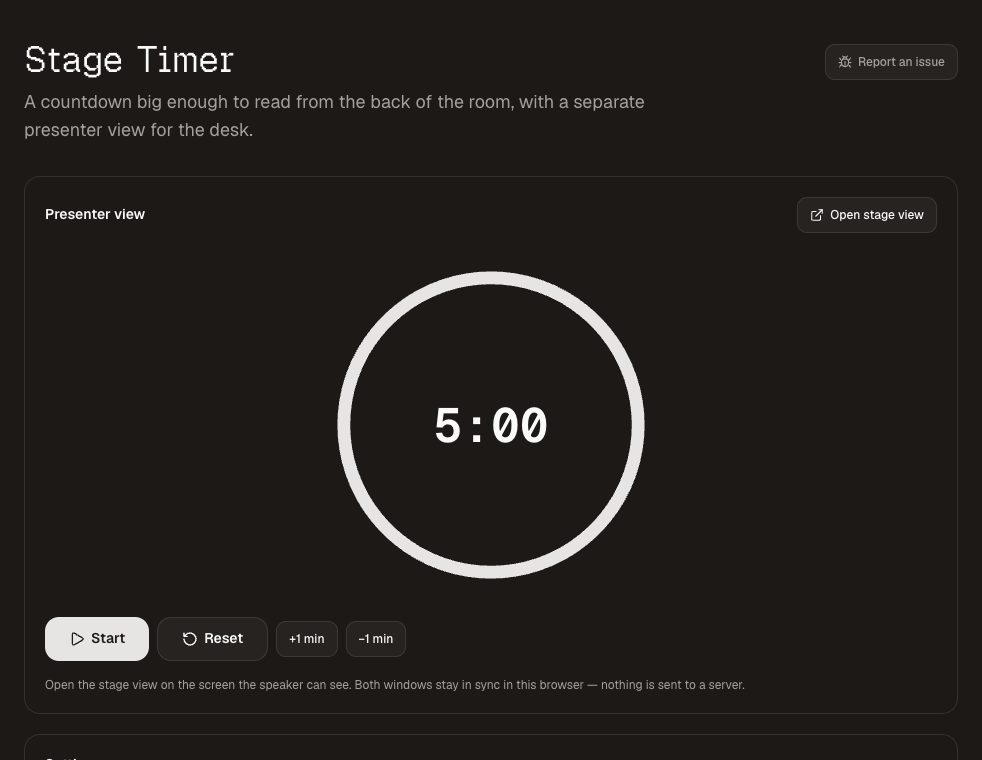
The stage timer puts a huge countdown on the screen the speaker sees, with a separate control window on your laptop. You can add or take away a minute while the clock runs and send a message like "wrap up" under the time. When time runs out it counts on, in red, so the speaker knows how far over they are.
15. Countdown Timer
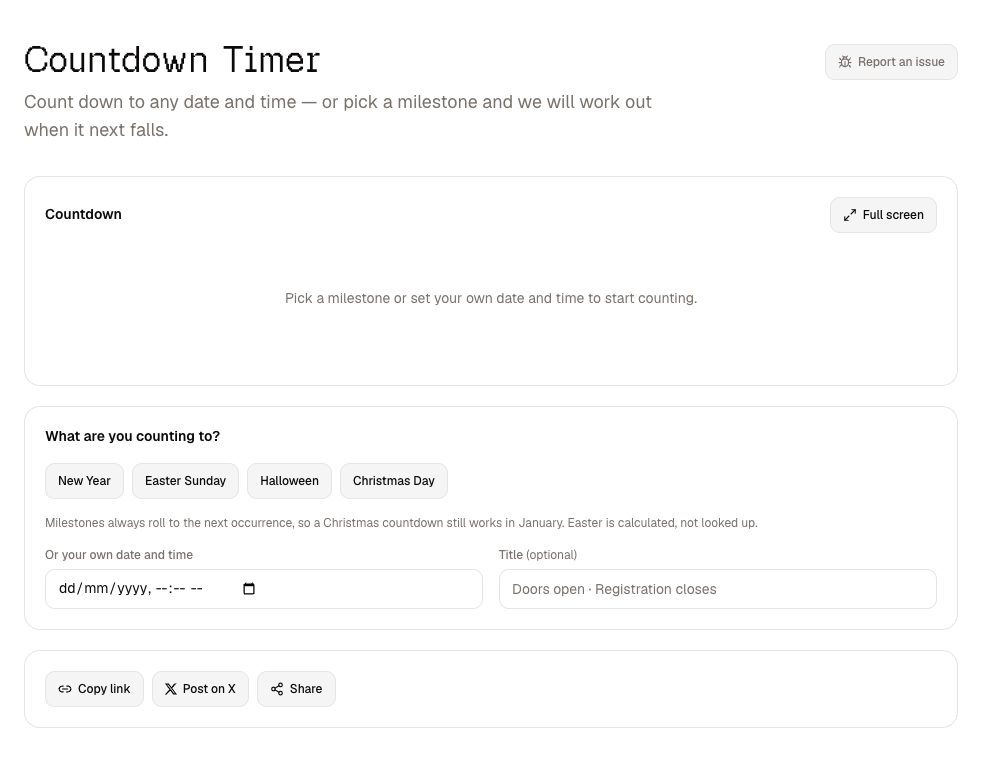
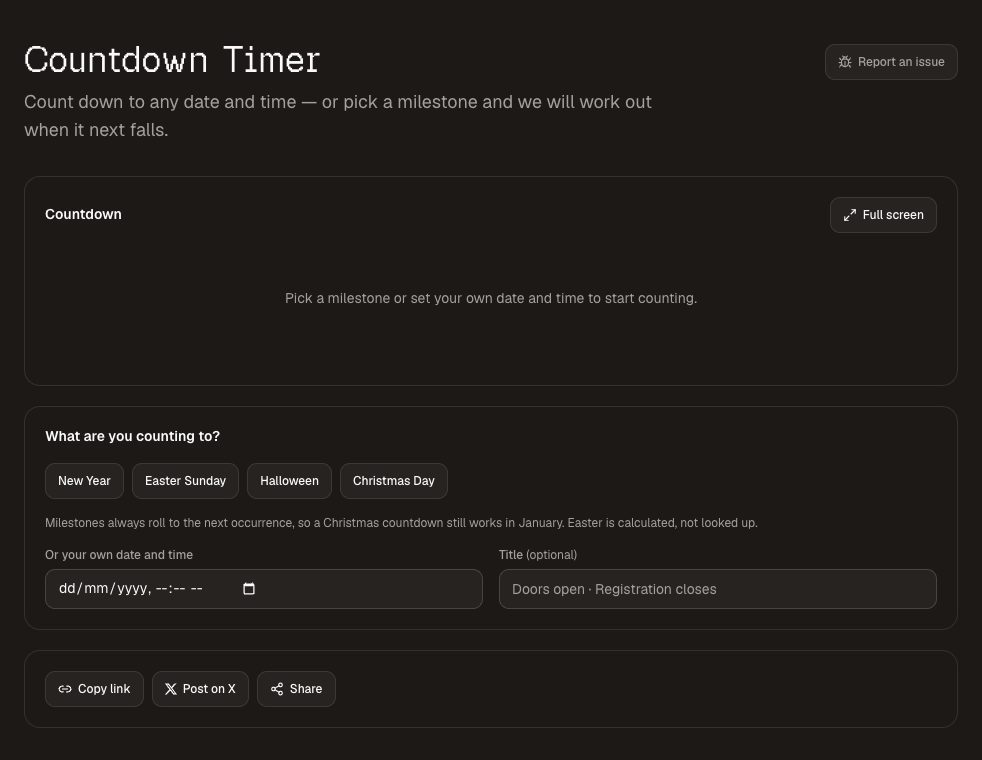
The countdown timer counts to any date, or to the next Christmas, Easter or New Year — it calculates Easter for any year rather than looking it up. Everything is stored in the link, so sharing the countdown is copying the URL, and full screen turns it into a display. There is a ready-made Christmas countdown .
16. Worship Pads
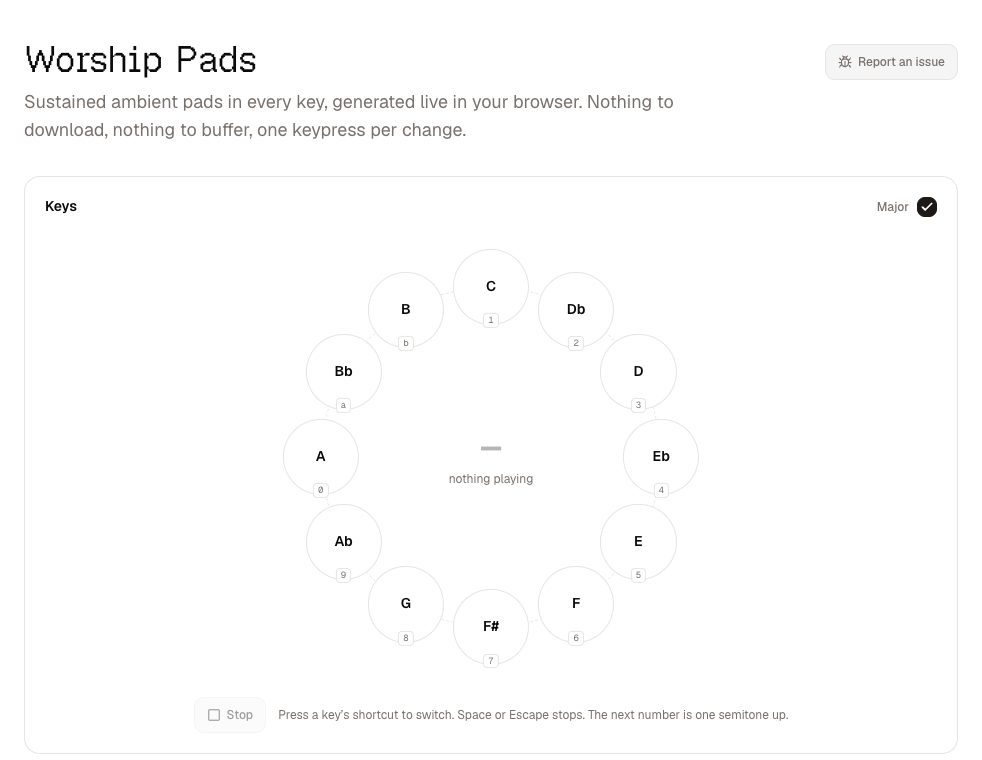
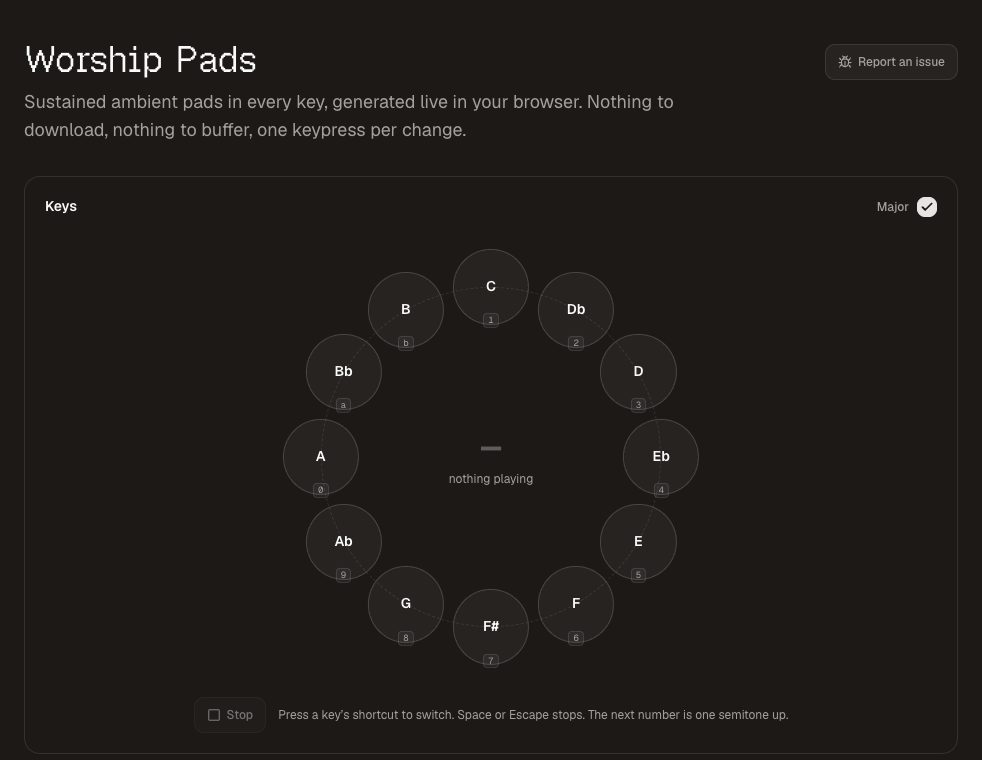
Worship pads plays a sustained ambient pad in any key, synthesised live in the browser rather than streamed, so there is nothing to download and it keeps working if the venue's WiFi does not. Every key has a one-key shortcut, and changing key crossfades underneath you.
Why none of these need an account
Accounts exist on most free tool sites to do one of three things: collect your email, enforce a usage limit, or hold your files. None of those apply when the tool runs on your own device. There is no file to hold and no server cost per use to limit, so there is nothing an account would do for you.
The same design means no watermarks and no ads next to the download button — a rule we hold to on every page. Everything is MIT licensed and open source, and five of the tools — QR codes, passwords, chord charts, name picking and meta tags — can also be called over a REST API or MCP, for developers and AI agents.
Missing something you need? Request a tool.