8 free classroom tools for teachers — no student accounts needed
A fair random name picker, timers students can read from the back, QR codes for resources and more: eight free classroom tools that need no sign-up for you or your class.
· 8 min read · by zernonia
Classroom tools have a habit of wanting things: a teacher account, then student accounts, then a school licence for the feature you actually needed. Each of those is a login to remember, a data-protection question for your school, and a reason the tool quietly stops being used by October.
These eight need none of it. They open in a browser on the classroom computer, the interactive whiteboard or your phone, and nobody — not you, not your students — signs up for anything. Most work offline once loaded, so a wobbly school network will not take them down mid-lesson.
1. Name Picker — cold-calling that feels fair
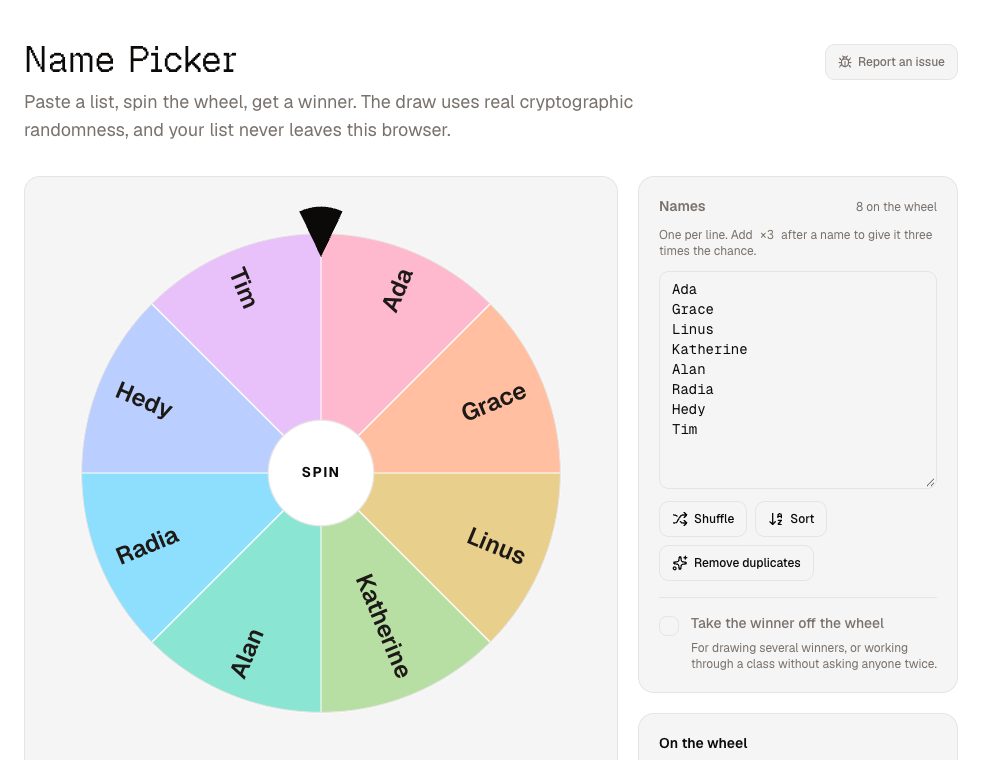
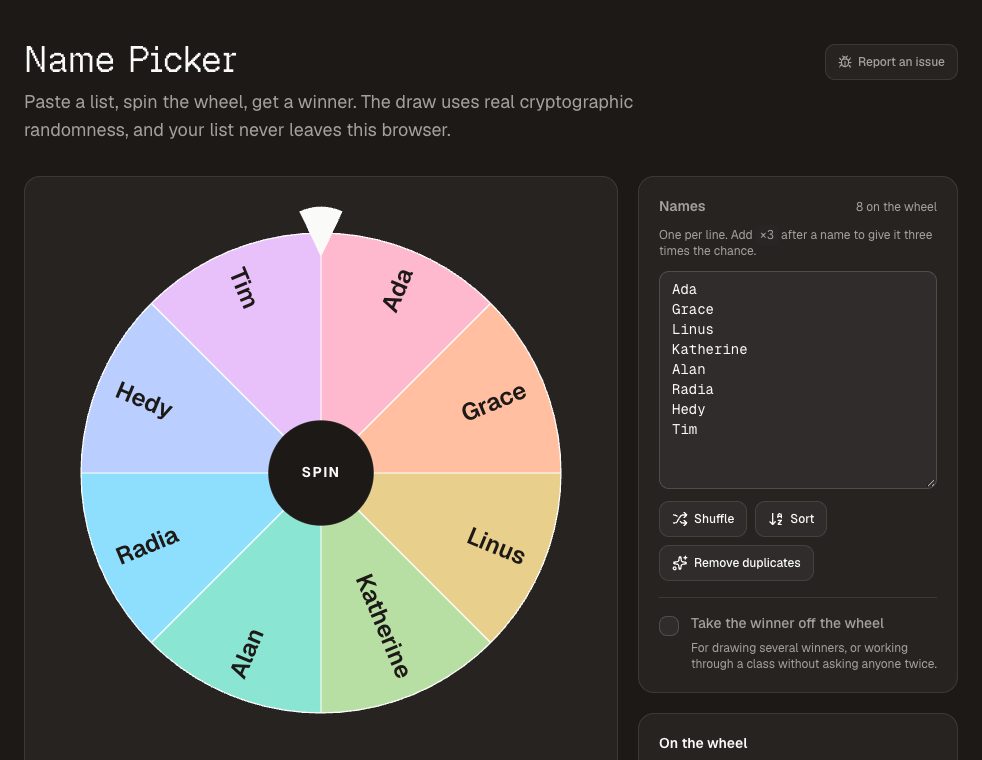
The classroom name picker is a spinning wheel of your class. Tick "take the winner off the wheel" and it works through everyone exactly once before anyone is asked twice. Your list is saved in that browser, so the class is waiting for you next lesson, and it never goes to a server.
Random selection takes the sting out of cold-calling: nobody can suspect they are being targeted, and everybody has to be ready rather than only the volunteers. The draw uses a cryptographic random source, so it is genuinely fair. First names and an initial read best from the back — and mean a projector left on is not showing a full register. Spinning repeatedly with winners removed also makes random groups the class can watch being drawn.
2. Stage Timer — for student presentations
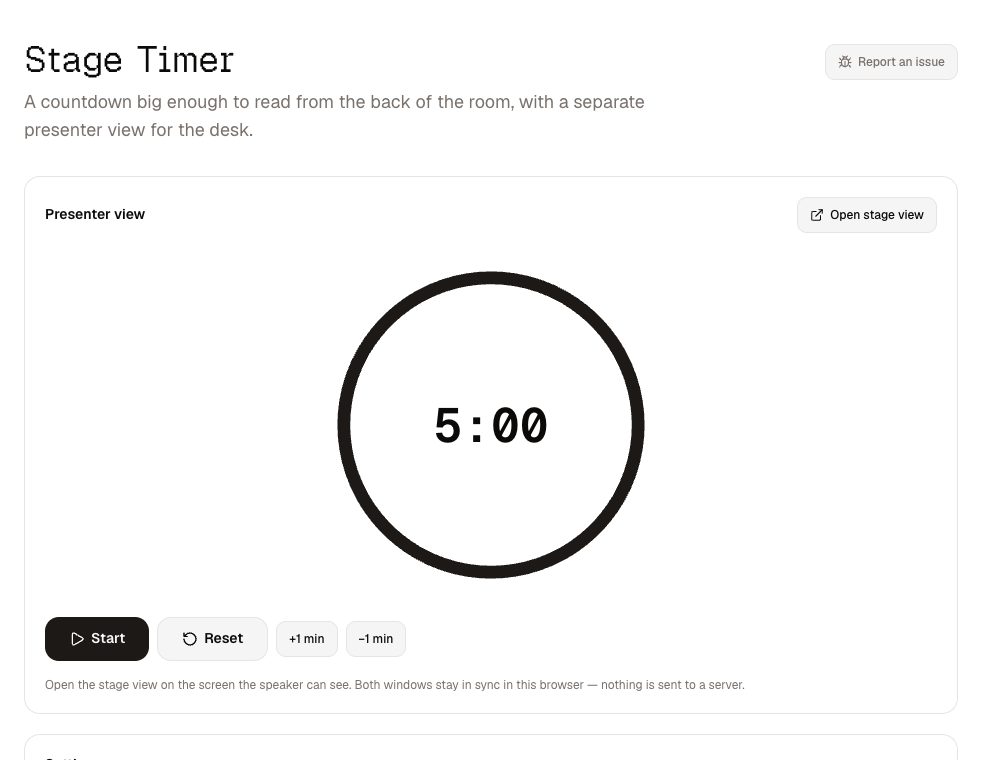
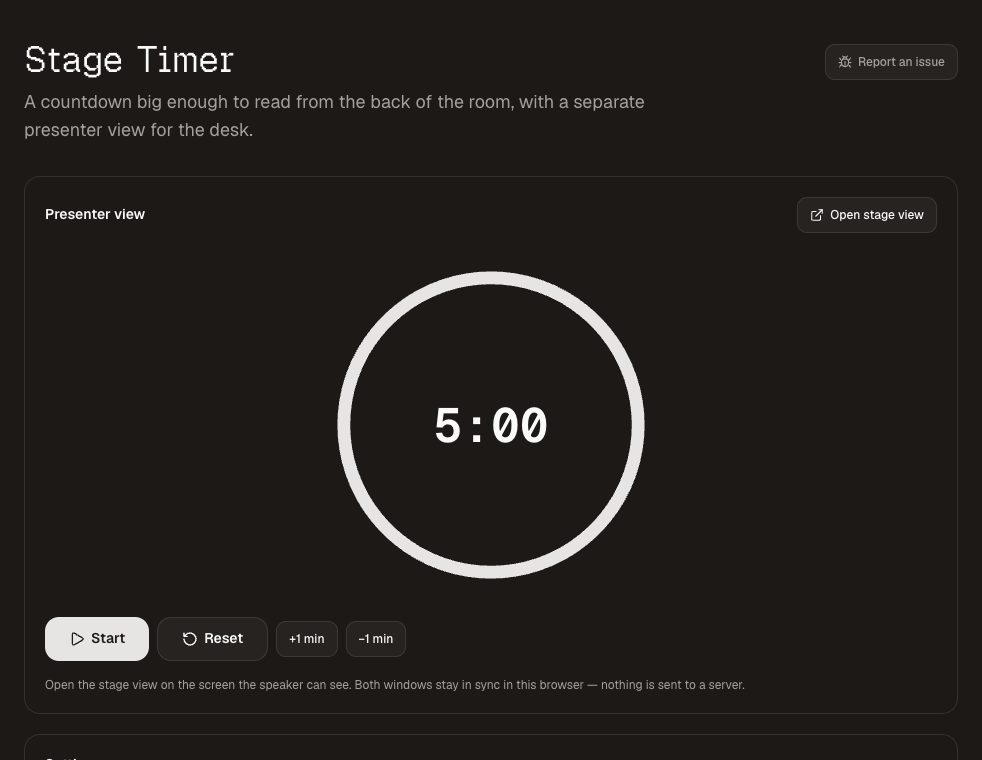
Put the stage timer on the board, facing the presenter, and keep the controls in a second window on your laptop. Each student sees a huge countdown; you can add a minute for a nervous speaker without stopping the clock, and type "one minute left" under the time. When time is up it carries on counting in red, so overruns are visible without you having to interrupt.
3. Countdown Timer — to the end of the task, or the end of term
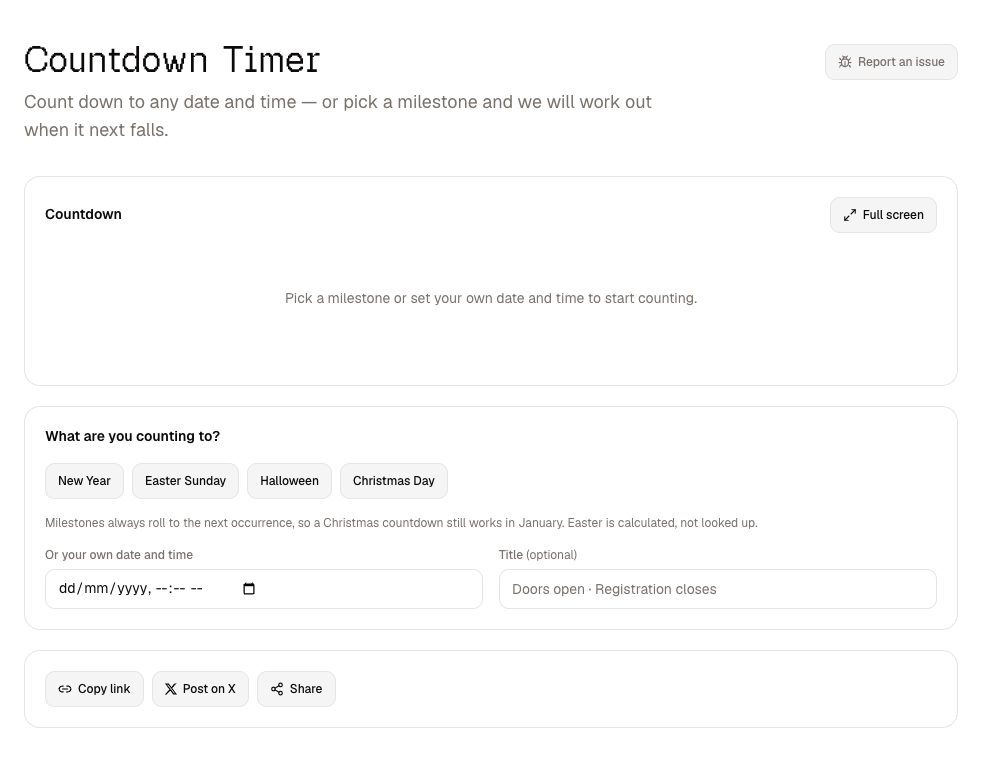
The countdown timer counts down to any date and time. Set it to when the activity finishes and full-screen it on the board; or count down to an exam, a trip or the last day of term. The countdown lives in its link, so you can share it with a class or a colleague just by sending the URL.
4. QR Code Generator — get thirty phones to the same page
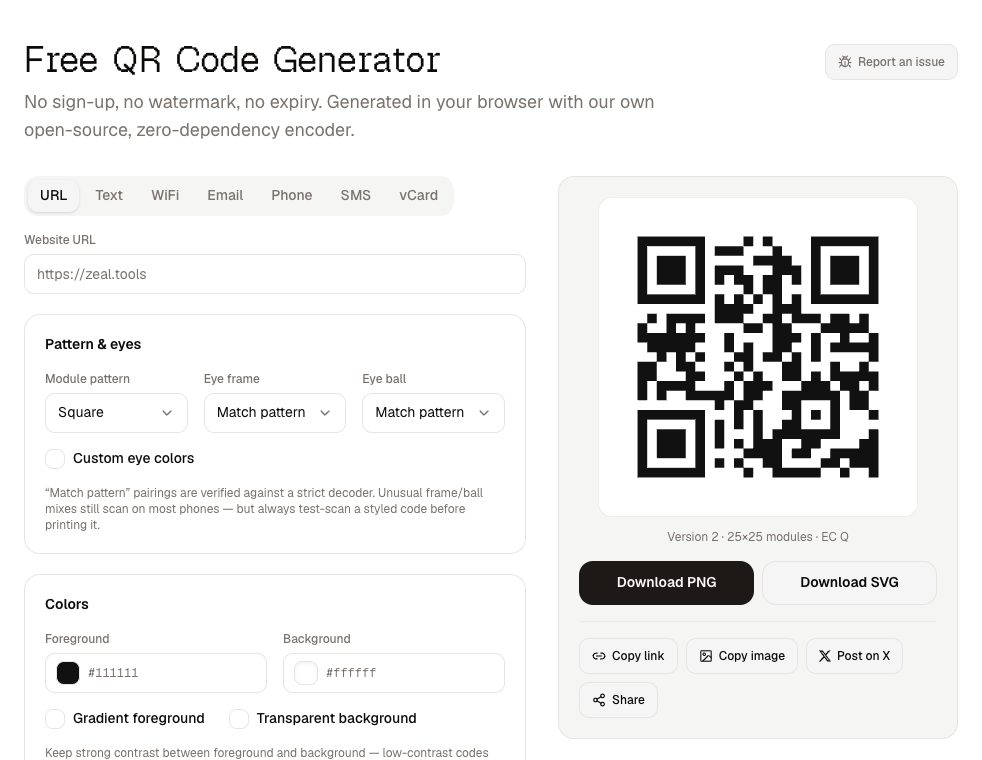
Reading a URL aloud to a class is a five-minute exercise in typos. A QR code on the board takes seconds. The QR code generator makes codes for a worksheet, a form, a video or a quiz, and saves them as PNG or SVG for slides and printouts. The codes are static, so a code on a laminated display still works in five years — there is no short link to expire. For visitors on the classroom network, a WiFi QR code saves dictating the password.
5. Send to Device — from your phone to the classroom computer
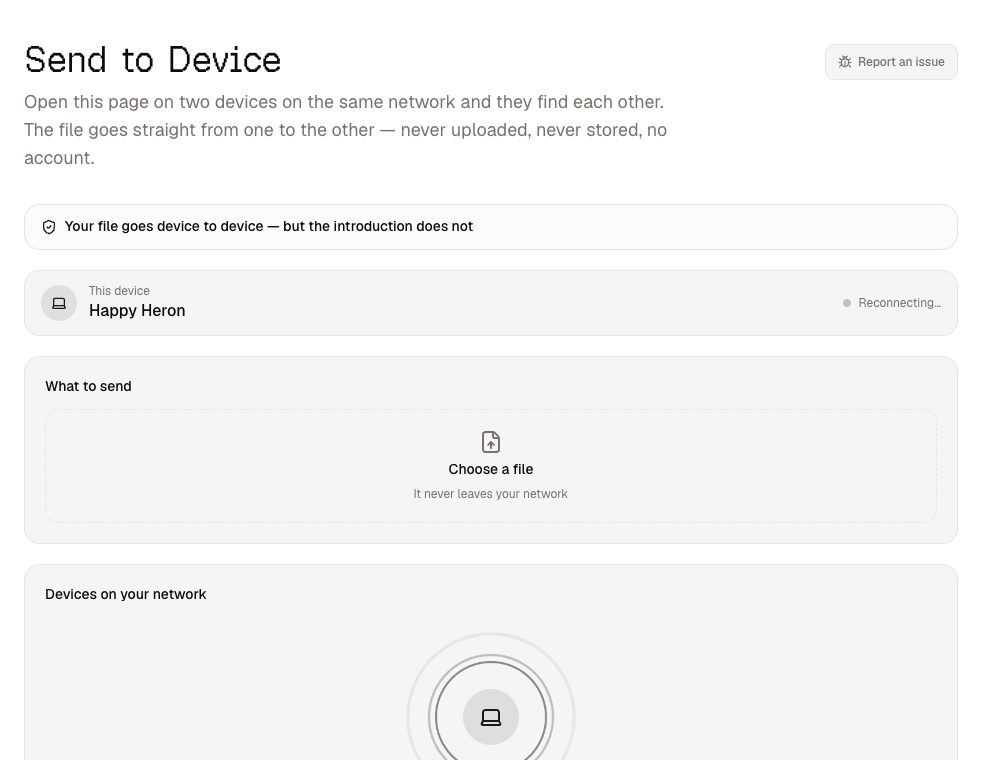
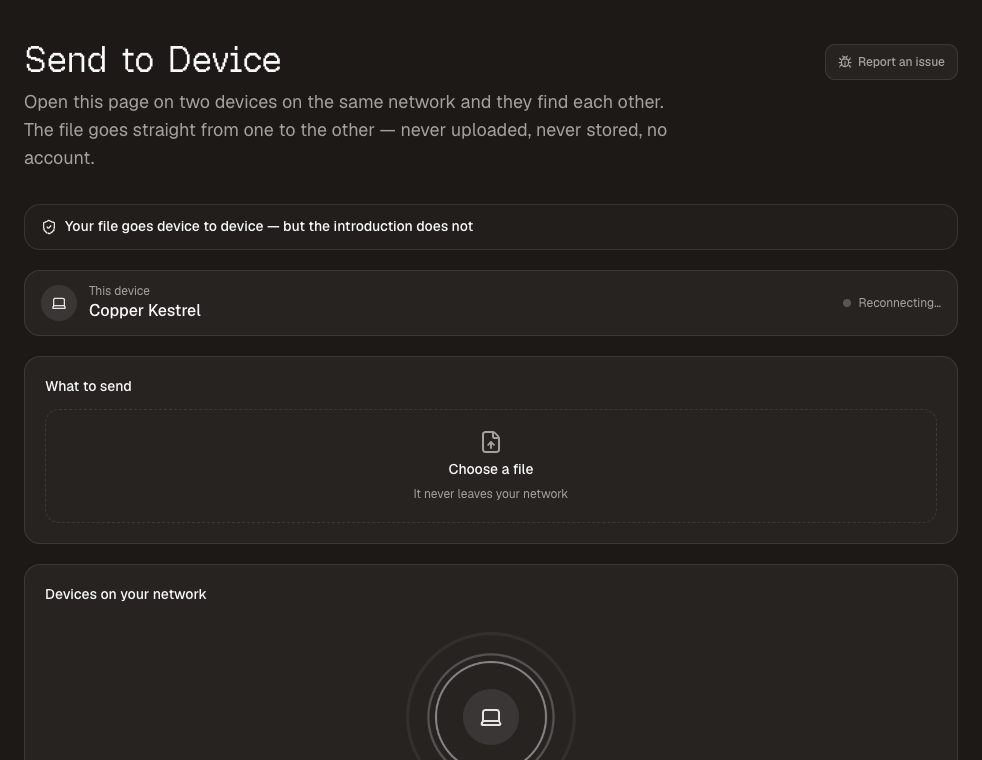
You photographed a student's work or the whiteboard, and now it needs to be on the computer connected to the projector. Send to device moves the file directly between the two over your network: open the page on both, pick the other device, and accept on the receiving end. No cable, no emailing yourself, no cloud folder, and no size limit from us.
Both devices need to be on the same network. Some school networks deliberately stop devices from seeing each other; if yours does, this is the network saying no, not the tool.
6. Image Compressor — under the upload limit
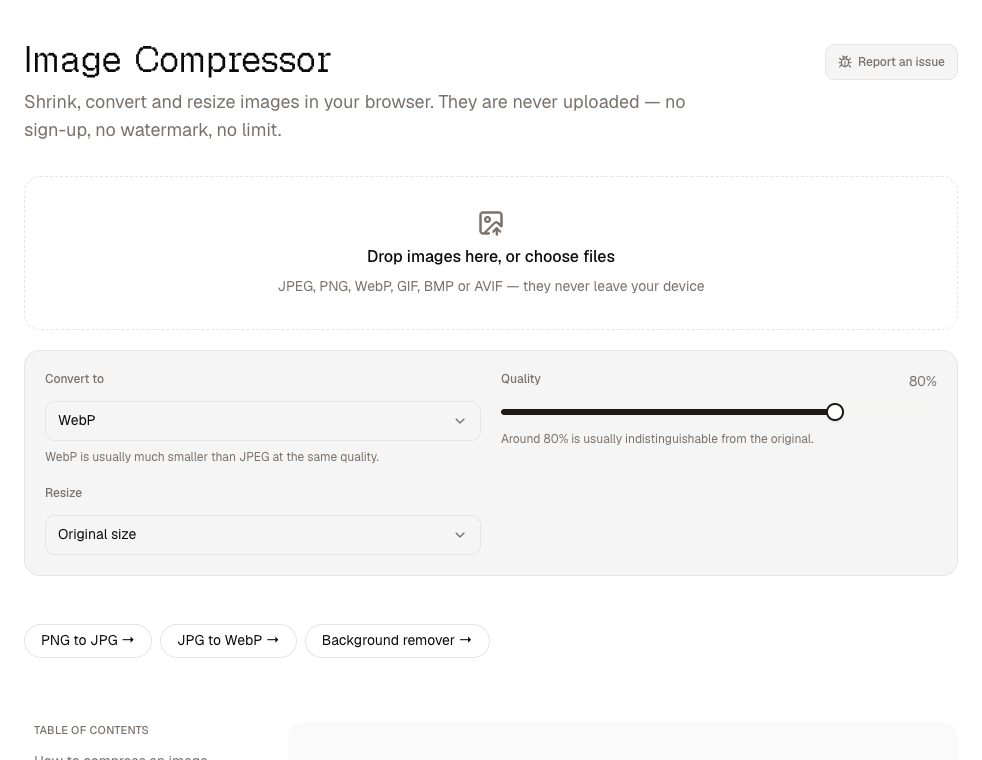
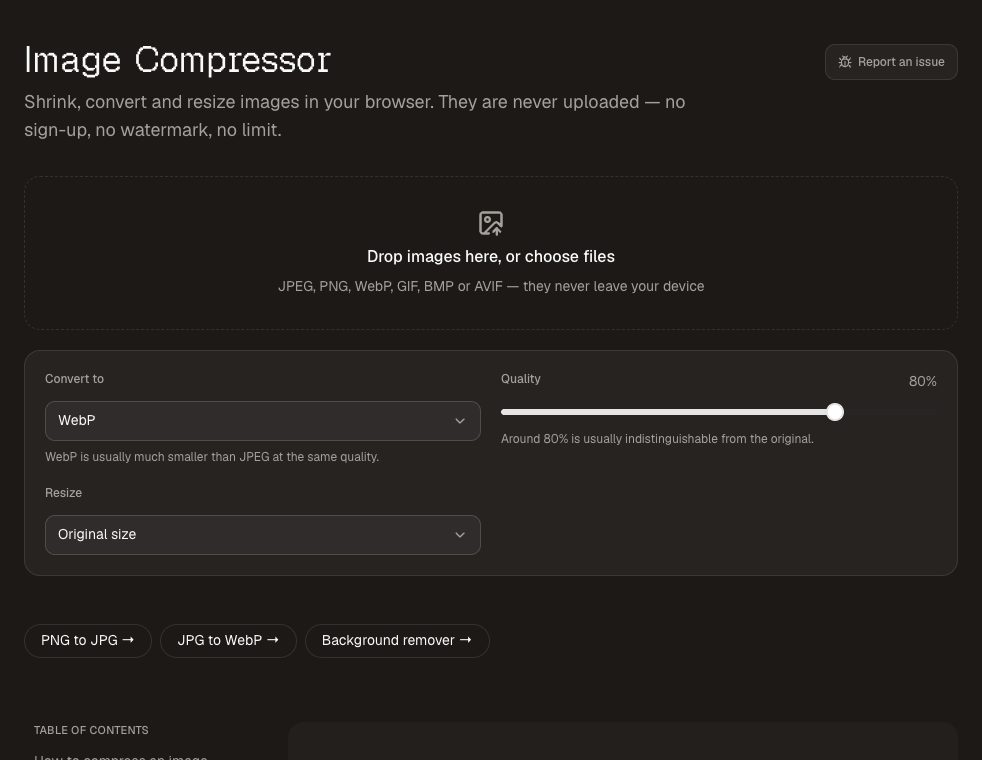
Learning platforms and newsletter tools love an upload limit, and phone photos love to be 5 MB. The image compressor resizes and compresses a whole batch at once, shows how much each one shrank, and downloads them as a zip. The photos are processed on your computer — worth knowing when the pictures are of students.
7. Background Remover — cut-outs for worksheets and displays
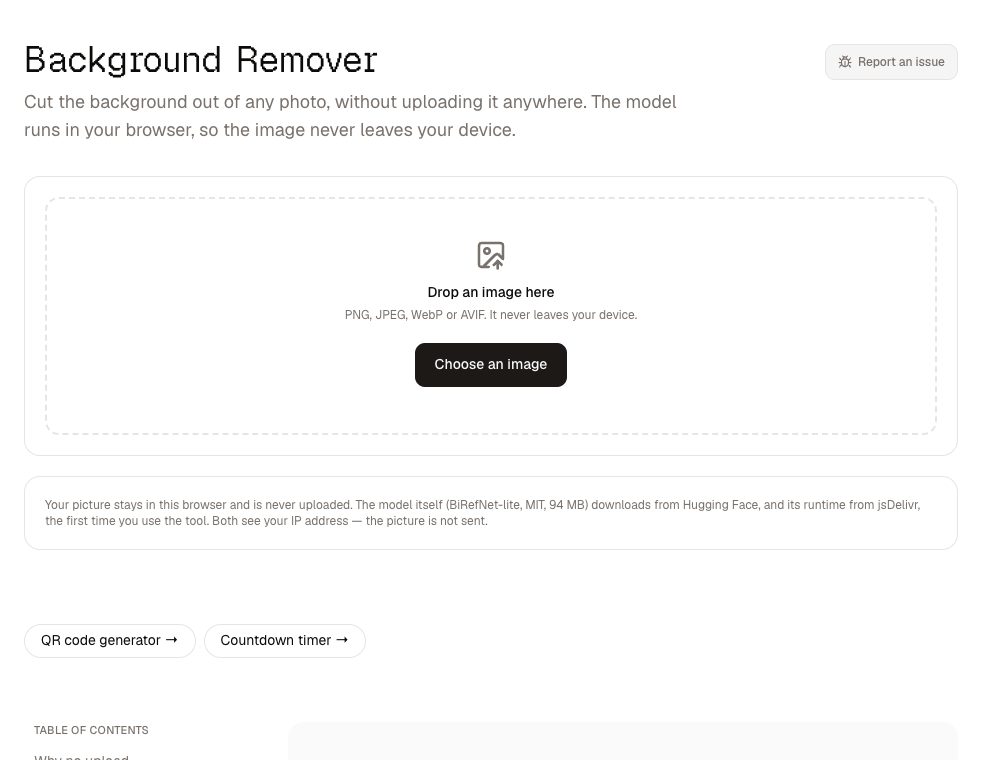
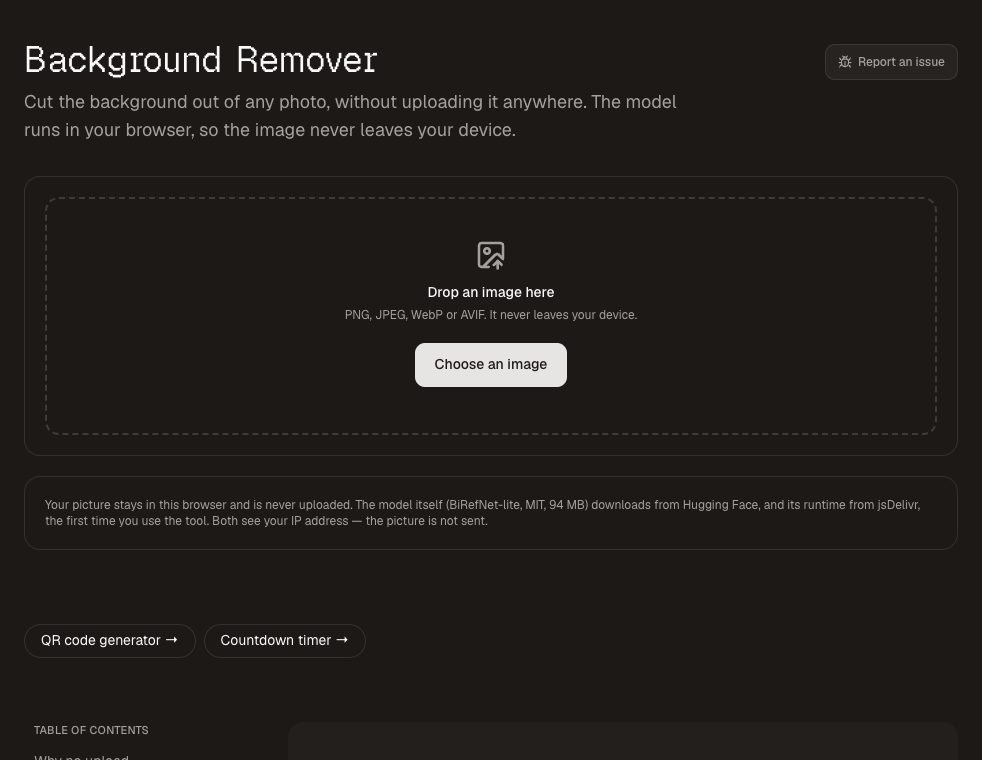
For a worksheet, a display board or a class newsletter, a cut-out image looks far cleaner than a photo with a busy background. The background remover does it in the browser and saves a transparent PNG, or puts the cut-out on a solid colour. Again, nothing is uploaded.
8. Tuner — for the music room
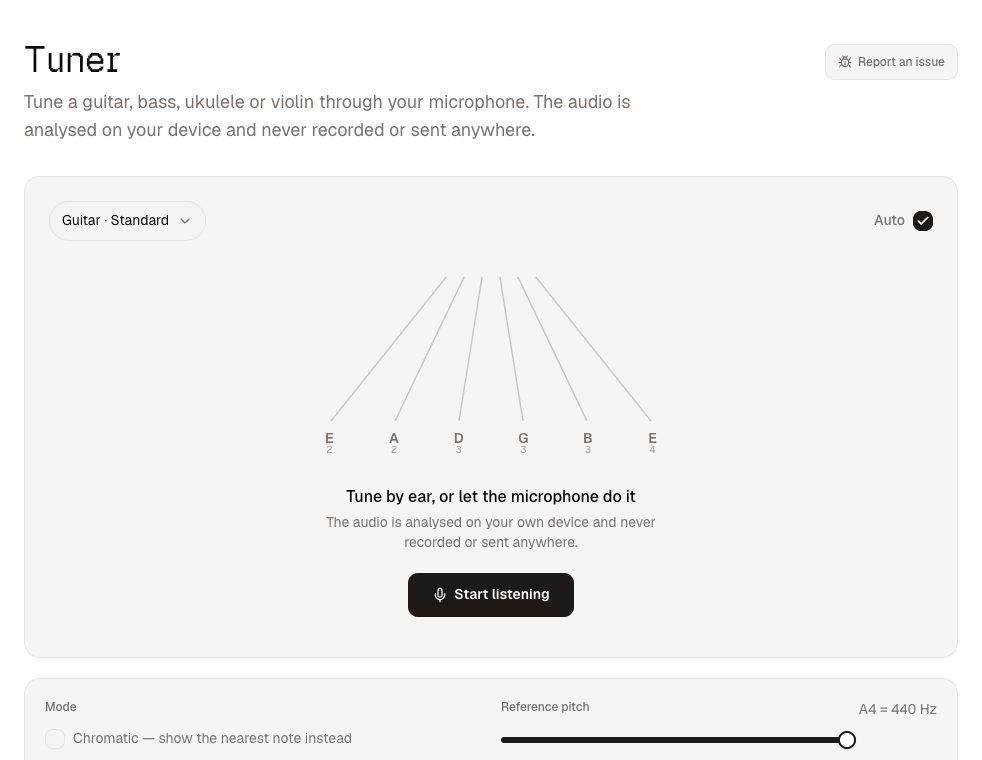
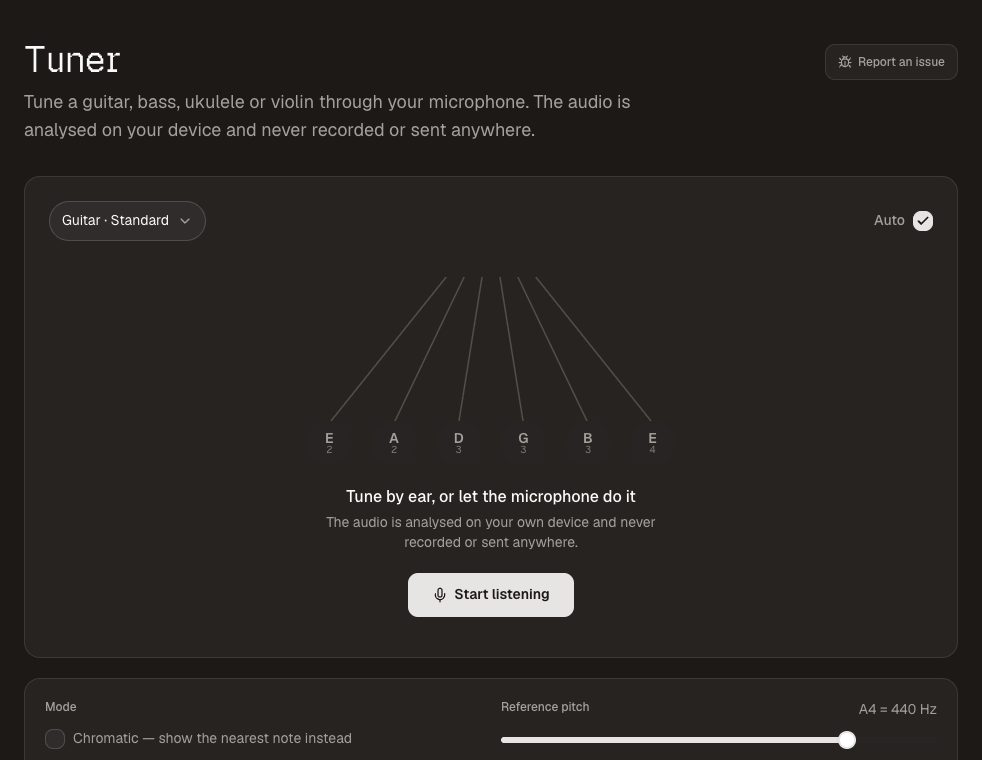
A class set of ukuleles goes out of tune between lessons. The ukulele tuner — also for guitar and bass — runs on any phone or laptop with a microphone and shows which string you are tuning and how far out it is. Students can use it on their own phones with no app to install. Nothing is recorded.
A note on student data
Every tool above works without accounts, so there is no student data to register with anyone. Name lists, photos and files stay on the device you use them on; the one thing that crosses the internet is Send to Device's introduction between your two devices, and even then the file itself travels directly between them. That makes these tools an easy conversation with whoever looks after data protection at your school.