7 free tools every worship team should know
Transpose chord charts, run pads between songs, time the service, make practice tracks and tune up — seven free tools for worship leaders and church musicians.
· 8 min read · by zernonia
Most worship teams run on volunteers, one weekly rehearsal and a budget that has to stretch across everything else the church does. The software built for them tends to assume the opposite: a subscription per tool, an account per musician, a per-song fee for practice tracks.
These seven tools are free, need no account for anyone on the team, and run in a web browser on whatever laptop or phone is at hand. Several keep working with no internet once the page is loaded, which matters in a building where the WiFi is a matter of faith.
1. Chord Transposer — change the key without retyping the chart
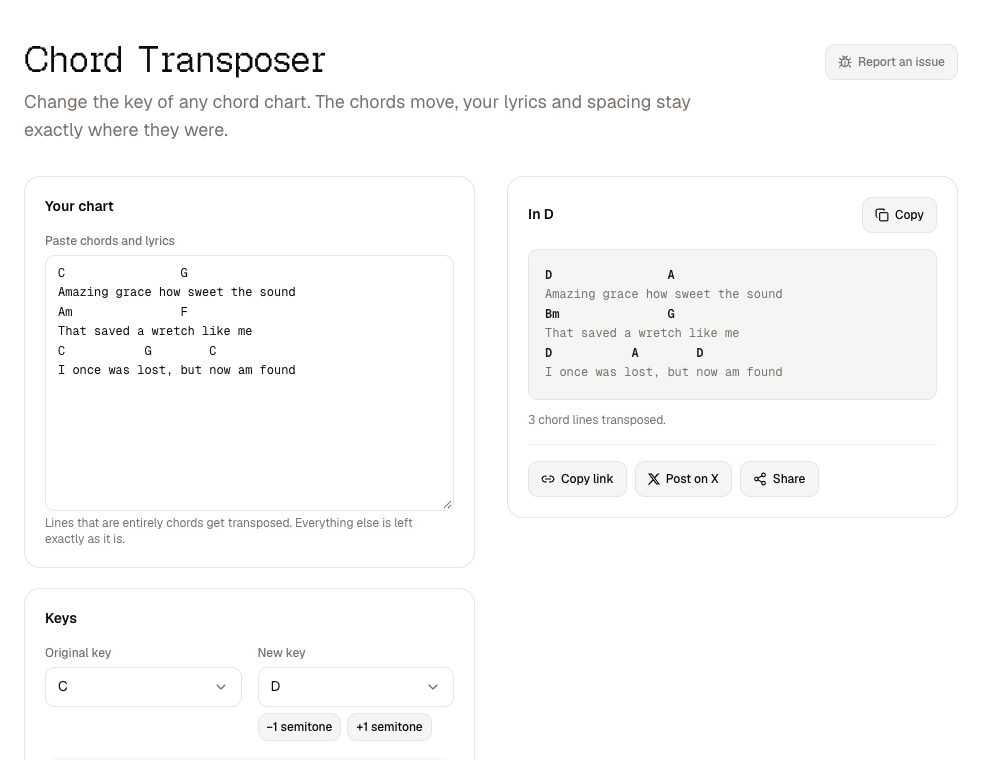
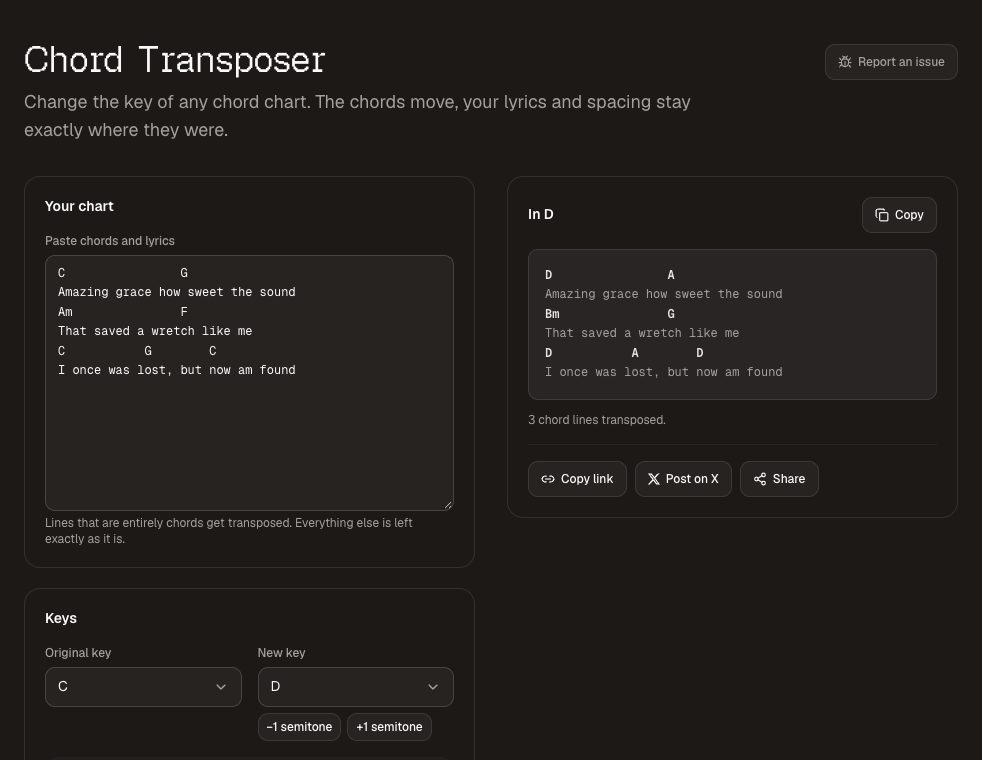
The worship leader wants the song a tone lower this week. The chord transposer takes a pasted chart, moves every chord to the new key and leaves the lyrics and the spacing exactly as they were. It only treats a line as chords when every word on it is a chord, so a lyric line starting with "And" or "Amazing" is never mangled, and chords stay above the syllables they sat over.
For guitarists, the capo calculator shows which shapes to play at each fret for the key the band is in. A useful rule for the music stand: keys, bass and vocals read the sounding key; only the guitars read the capo chart.
2. Worship Pads — an ambient bed for prayer and transitions
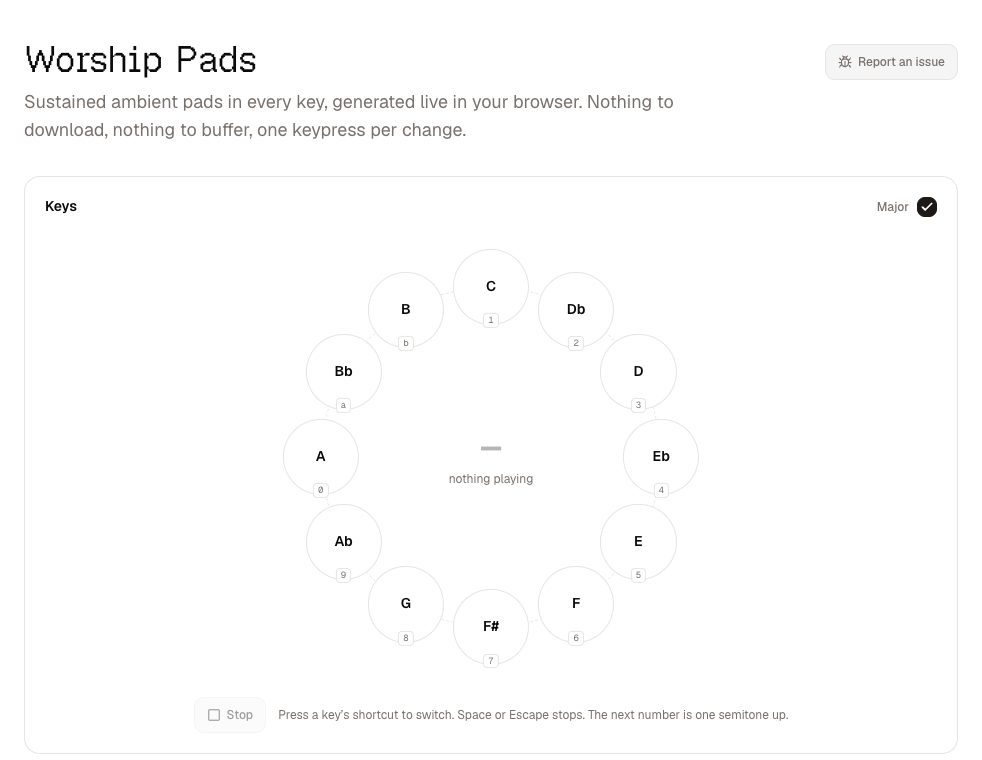
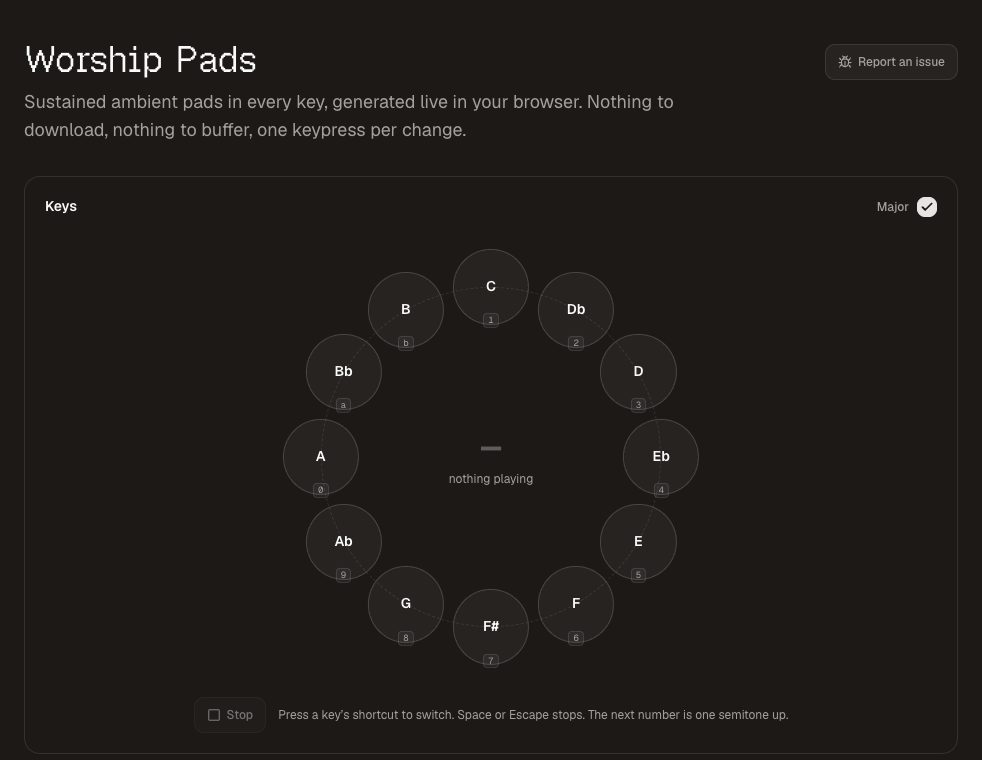
Worship pads plays a sustained pad in any key, synthesised live in the browser. Nothing streams, so nothing buffers, and once the page has loaded it works offline. Every key has a single-key shortcut and the change crossfades — four seconds suits most transitions, up to twelve if you want the change to be invisible.
It is deliberately simple, so it sits under a band rather than competing with it. Run it from a laptop into a spare channel on the desk, put it in the key of the next song, and the gaps between songs stop being silences.
3. Worship Practice Tracks — learn parts at home with the real band
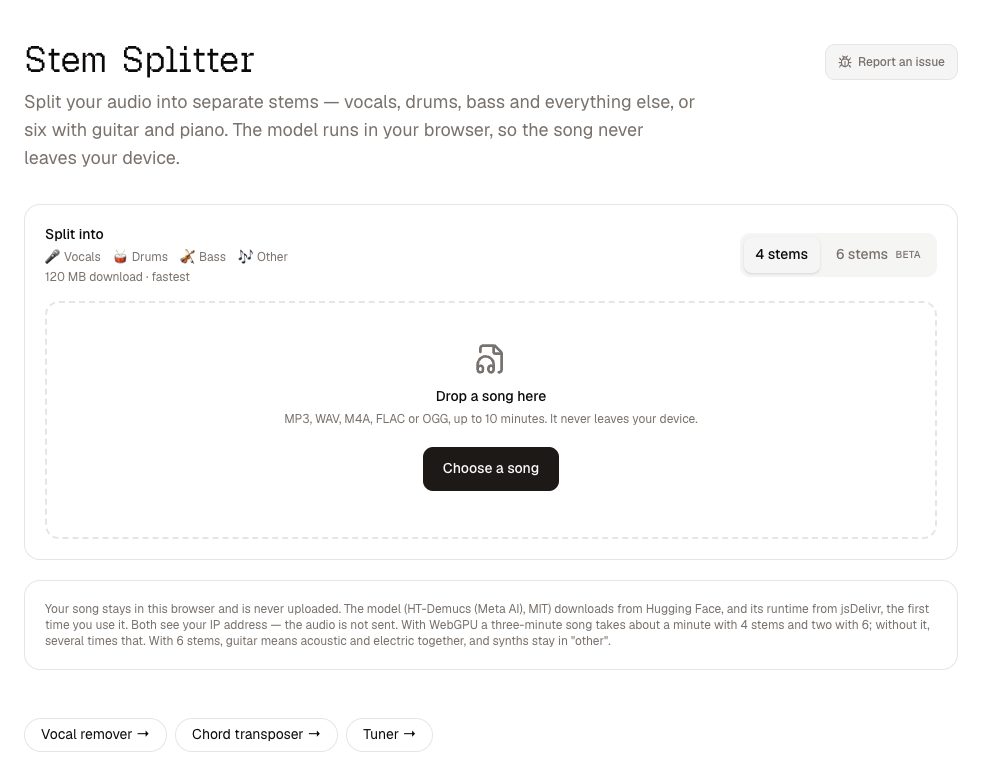
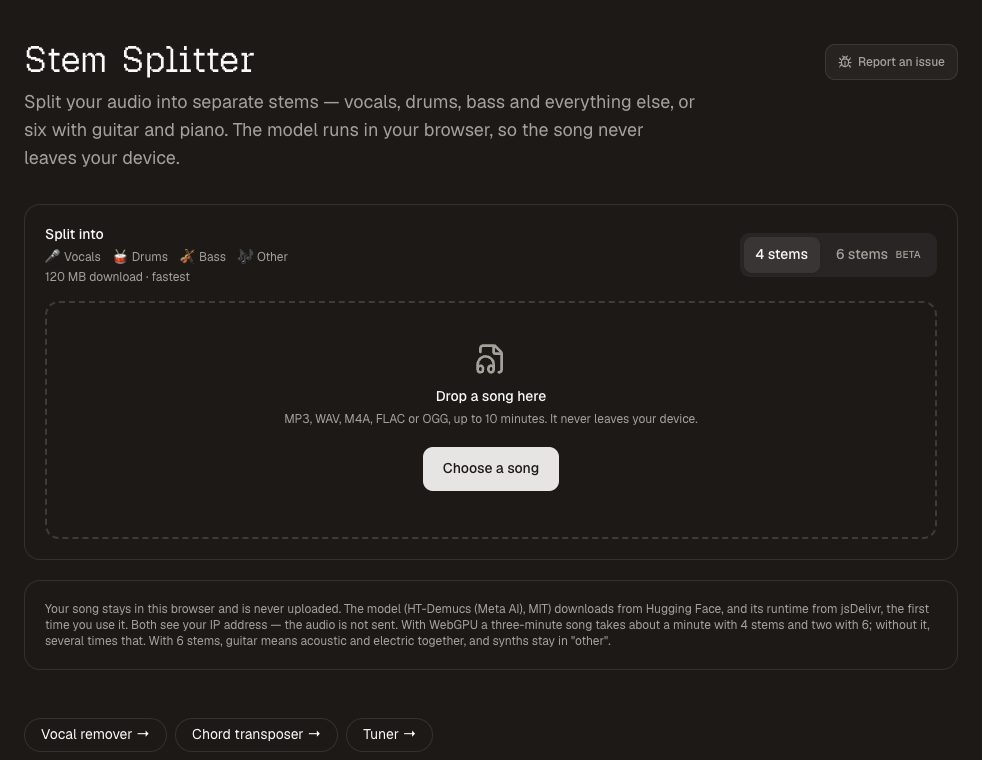
Rehearsal time is too short to teach parts, so parts get learned at home — usually along to the original recording, where your own playing is buried under the recorded musician. The worship practice tracks page separates a song into vocals, drums, bass and the rest, or six stems with guitar and piano, so you can mute each musician's part and give them the rest of the band to play into.
- Drummer: the song with no drums — keep the original at about 15% while learning fills.
- Bassist: solo the bass first to hear what is actually played under each chord, then mute it.
- Vocalists: "Vocals only" makes harmonies much easier to pick out.
The separation runs on your computer, so the song is never uploaded. The stems are estimated from a finished mix, so they are made for rehearsal rather than for playing through the PA on Sunday. A church licence to sing a song usually does not cover copying or playing the recording itself, so check what yours includes before sending tracks round.
4. Stage Timer — keep the preacher and the run sheet on time
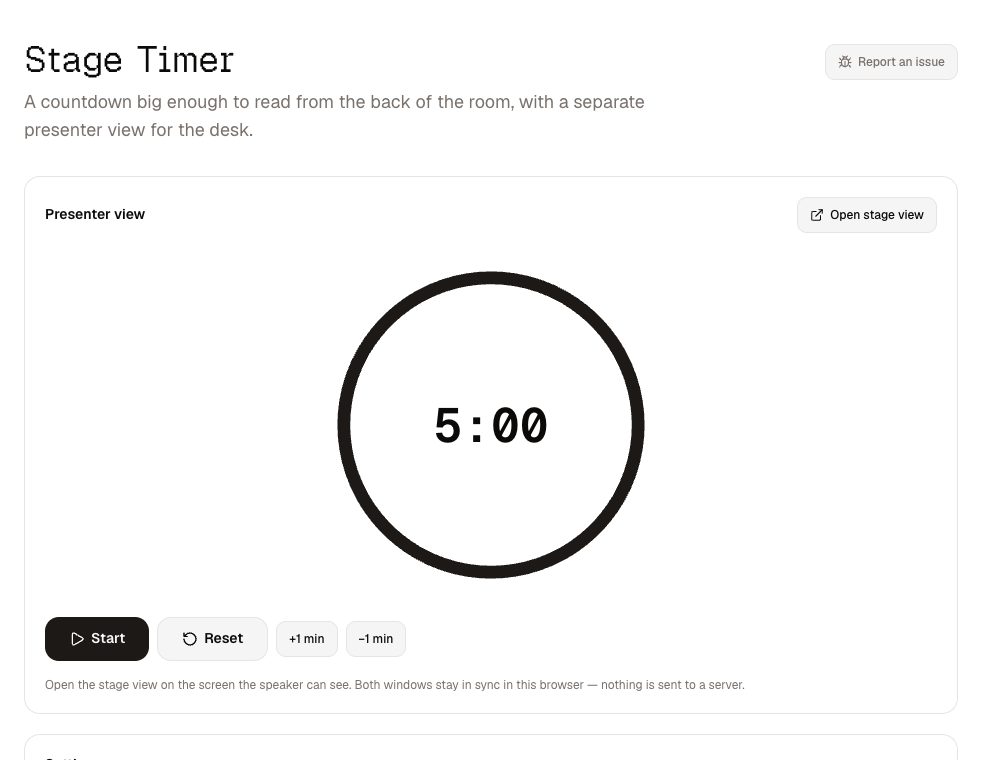
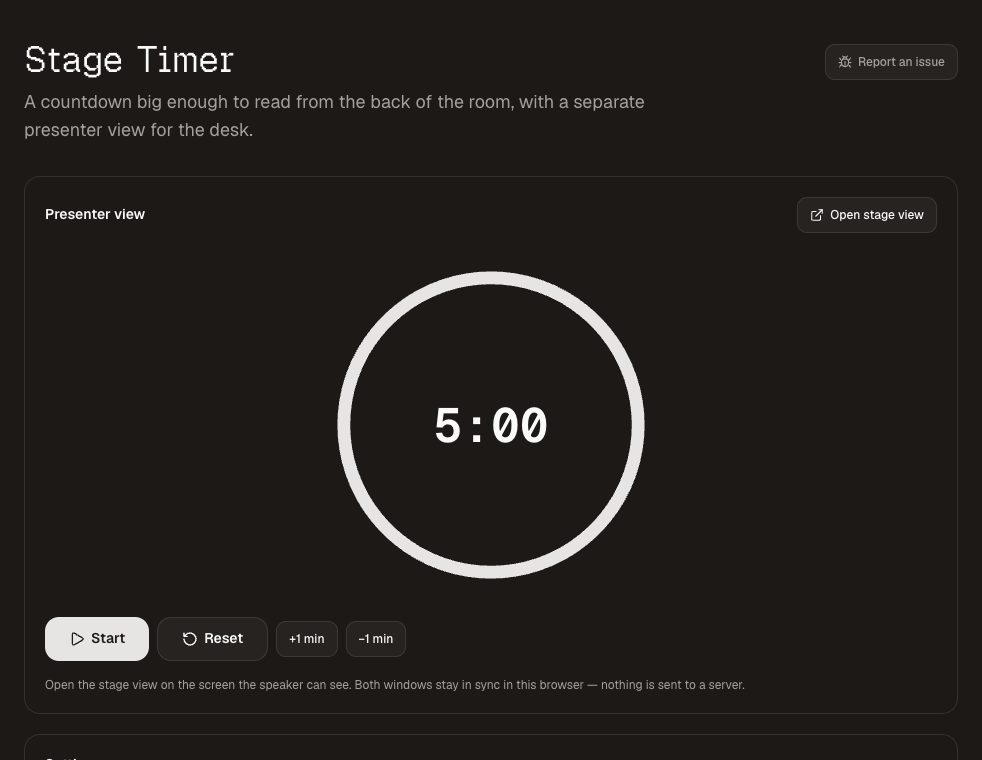
The stage timer shows a huge countdown on a confidence monitor or side screen, controlled from a separate window on the tech desk laptop. You can add a minute without stopping the clock, and type a message — "one more song", "wrap up" — that appears under the time. When time runs out it keeps counting, in red, which is far more useful to a speaker than a frozen zero.
The two windows sync inside one browser on one machine, with no server and no account, so it keeps working if the internet drops mid-service.
5. Countdown Timer — the pre-service countdown on the screens
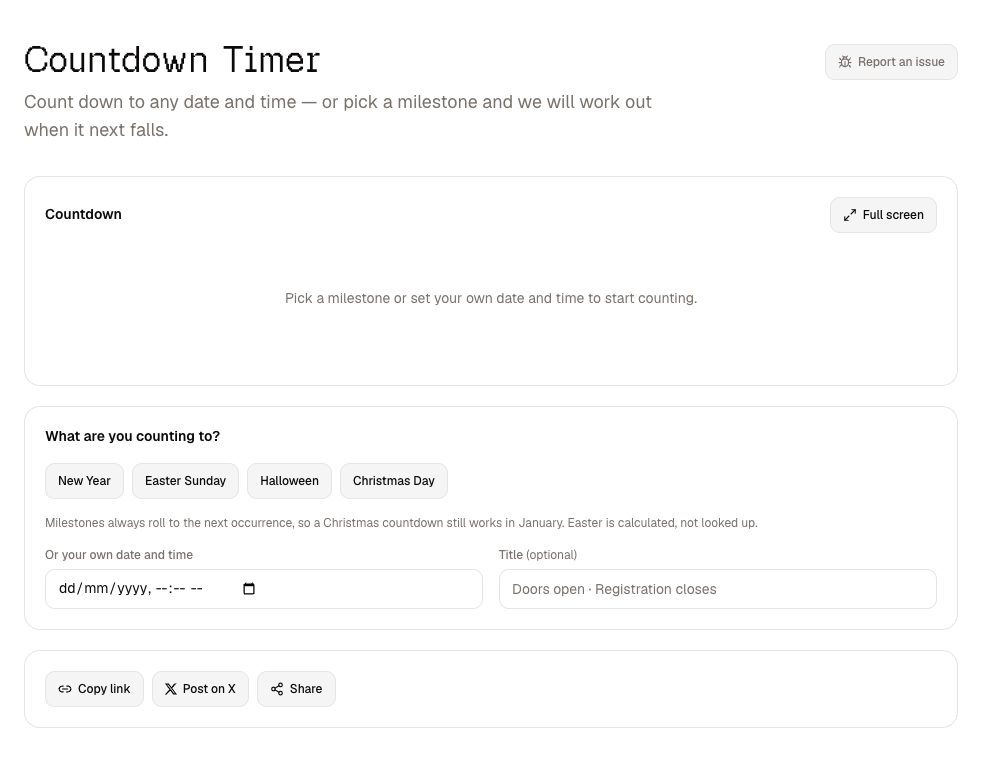
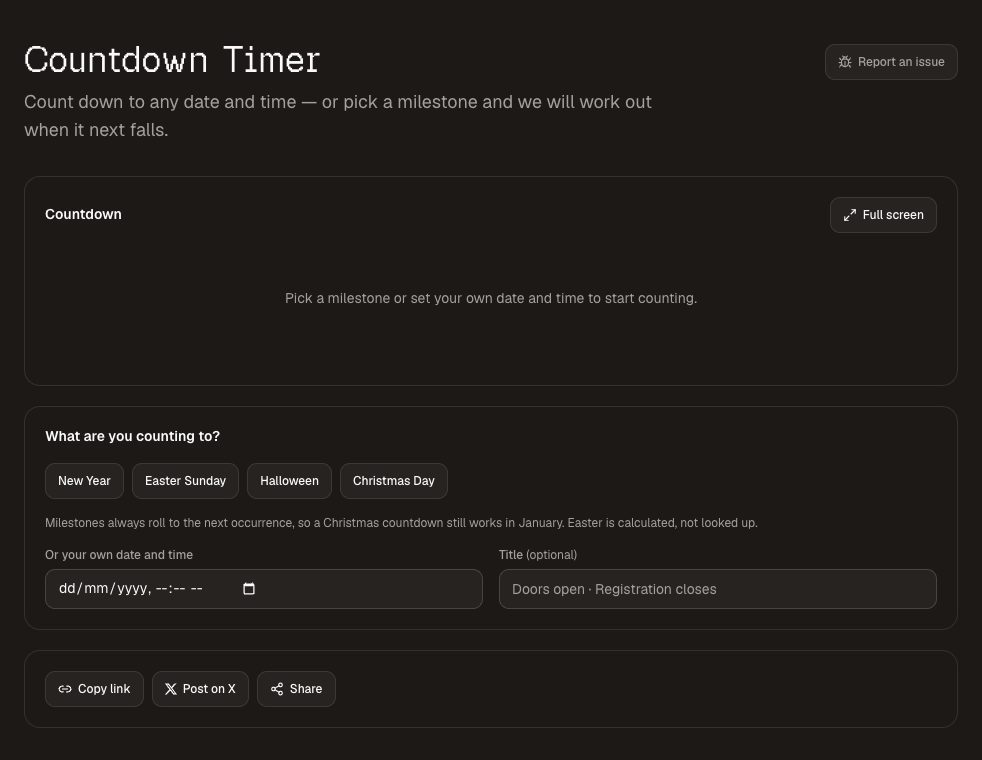
Put the countdown timer on the projector before the service starts, set to the start time, and full screen it — just the numbers, large enough to read across the room, with no watermark or advertising. It also counts to the next Christmas or Easter automatically (Easter is calculated, so it is right every year), which is handy for a foyer screen through Advent with the Christmas countdown .
6. Tuner — for the guitarist who forgot theirs
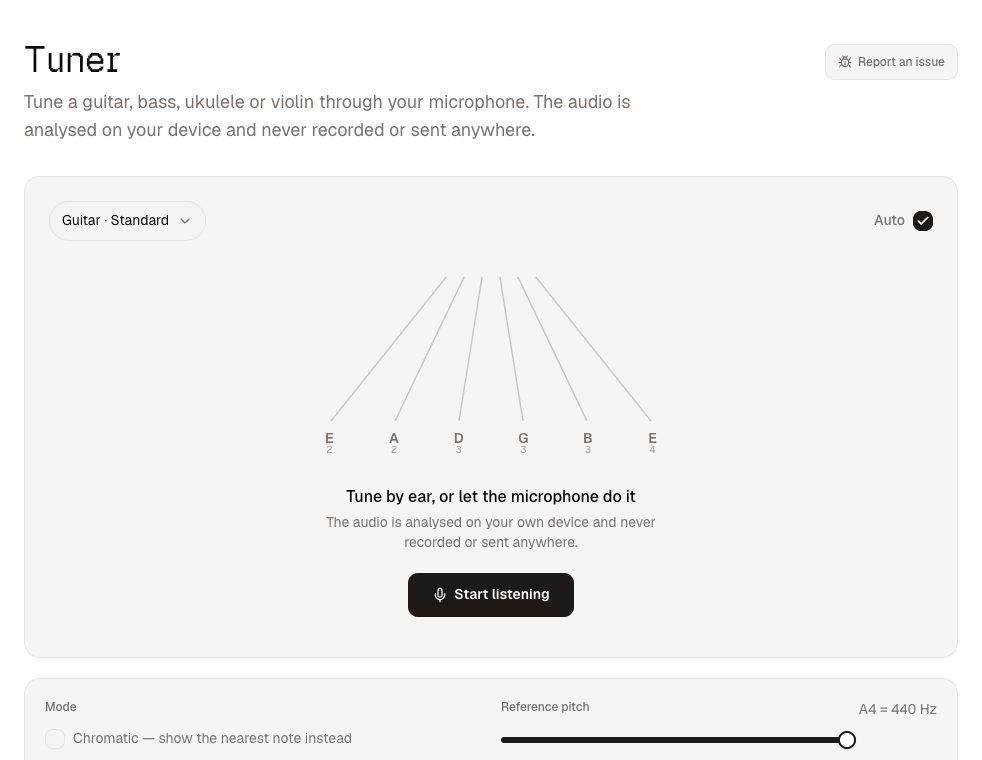
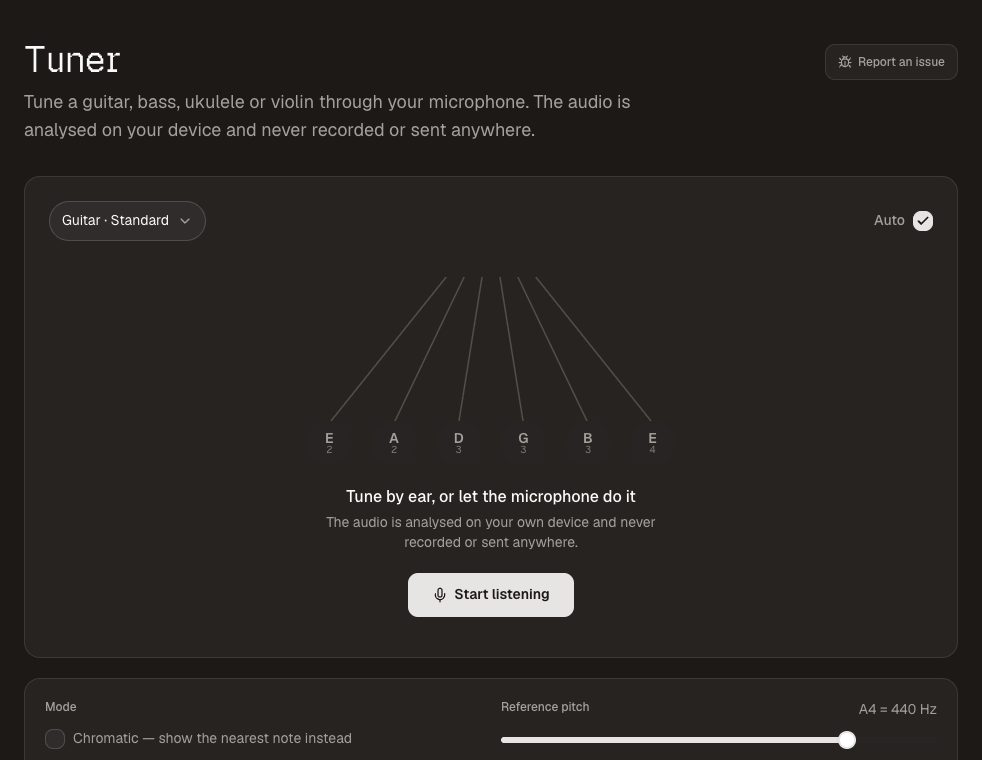
There is always one. The tuner runs on any phone through its microphone, shows the note and how many cents you are out, and has presets for guitar , bass and ukulele . The reference pitch is adjustable if your keys are not at A440. Nothing is recorded; the audio is analysed on the phone and discarded.
7. QR Code Generator — connect cards, giving and guest WiFi
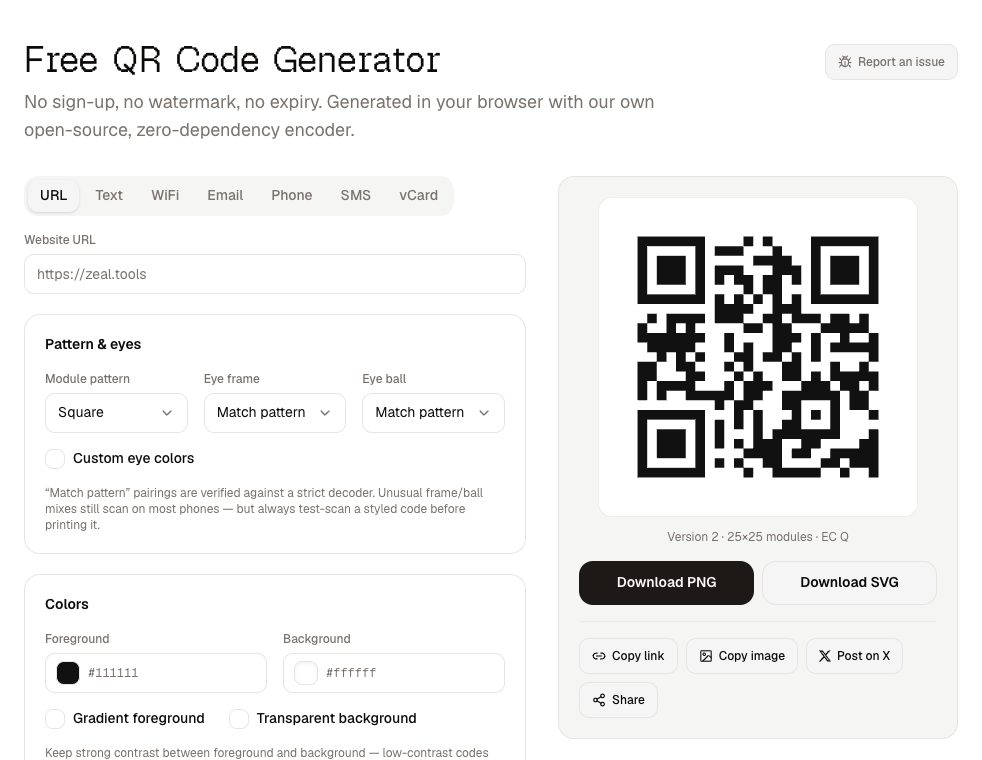
A QR code on the screen during the notices is the easiest way to get people to a connect card, an event sign-up or an online giving page. The QR code generator makes static codes that never expire and never route through anyone else's server — which matters when the code is printed on a banner that will hang for years. A WiFi QR code by the café lets visitors join the guest network without asking for the password.
Putting it together on a Sunday
- Early in the week: pick the set and keys, transpose the charts, and send practice tracks for any new songs.
- Before the service: countdown on the screens, pads in the key of the opening song, everyone tuned.
- During: pads under the transitions and prayer, stage timer on the confidence monitor for the talk.
- Notices: a QR code on screen for whatever you want people to do next.
None of it needs anyone on the team to make an account, and none of it costs anything — now or later.