Launching a website? 6 free tools for the last mile
Favicons, link previews, image weight and the QR code on the flyer: six free tools for the jobs between "it works" and "it is live".
· 7 min read · by zernonia
The site works. The pages load, the forms submit, the deploy is green. And then there is the last mile — the small jobs nobody puts in the estimate: the icon in the browser tab, what the link looks like when someone shares it, the 4 MB hero image, the QR code on the flyer for the launch event.
Each of those has a free tool that tries to collect your email first. These six don't. They need no account, and except where noted, they run in your browser, so your logo, images and passwords stay on your machine.
1. Favicon Generator — every icon from one logo
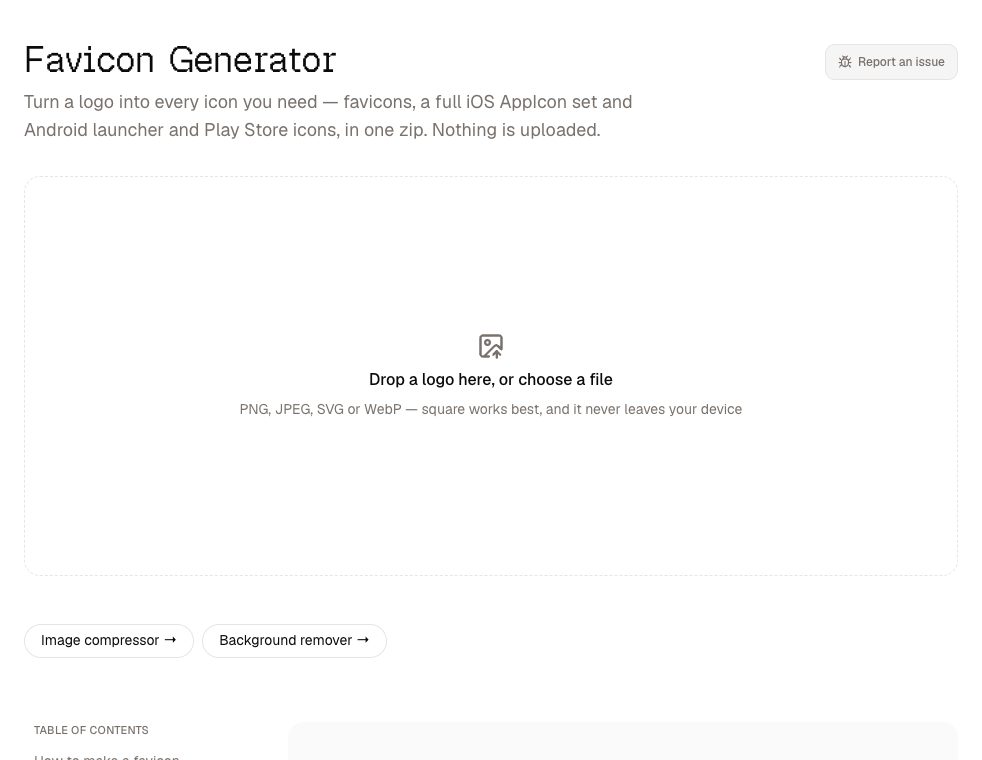
Drop your logo into the favicon generator — PNG, JPEG, WebP or, best of all, SVG — and download one zip sorted into web, iOS and Android folders, with favicon.ico, the Apple touch icon, a web manifest with a maskable icon, and five lines of markup to paste into your <head>. The list is deliberately short; you do not need thirty legacy sizes in 2026.
Shipping an app too? The iOS set is a complete AppIcon.appiconset, and the 1024px App Store icon is written as a true RGB PNG with no alpha channel. That is the detail that saves a rejected upload: Apple refuses any App Store icon with an alpha channel, and filling in a background colour does not remove the channel.
2. Meta Tag Checker — see the link before anyone shares it
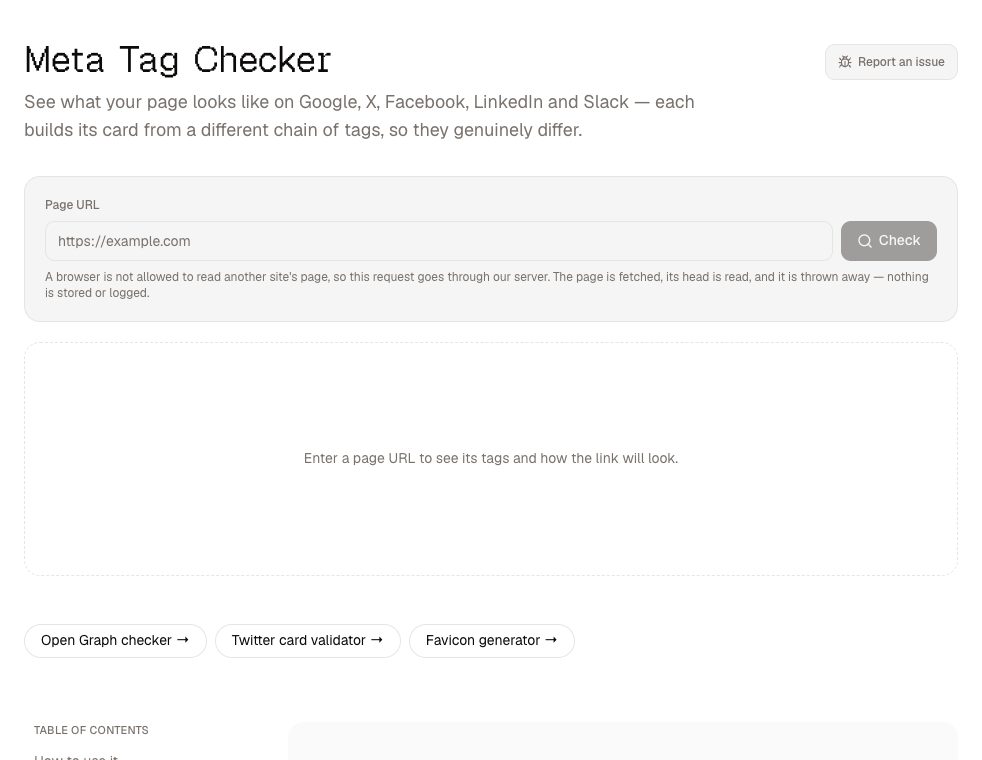
The first time most people see their own link preview is when it goes out broken in a group chat. The meta tag checker shows the card as Google, X, Facebook, LinkedIn and Slack will each build it — they do not agree, and each falls back differently when a tag is missing. It flags errors and warnings, and writes the tags you are missing.
The single most common fault is a relative og:image. Your browser resolves /og.png against the page, but a crawler fetches the image cold, with no page for context, so it needs the full https:// URL. The checker treats that as an error, not a warning. There are focused guides for Open Graph and Twitter cards .
This is the one tool here whose input reaches a server, because browsers do not allow a page to read another site's HTML. It reads only as far as the page's head, and returns the tags rather than the page.
3. Image Compressor — the cheapest speed win you have
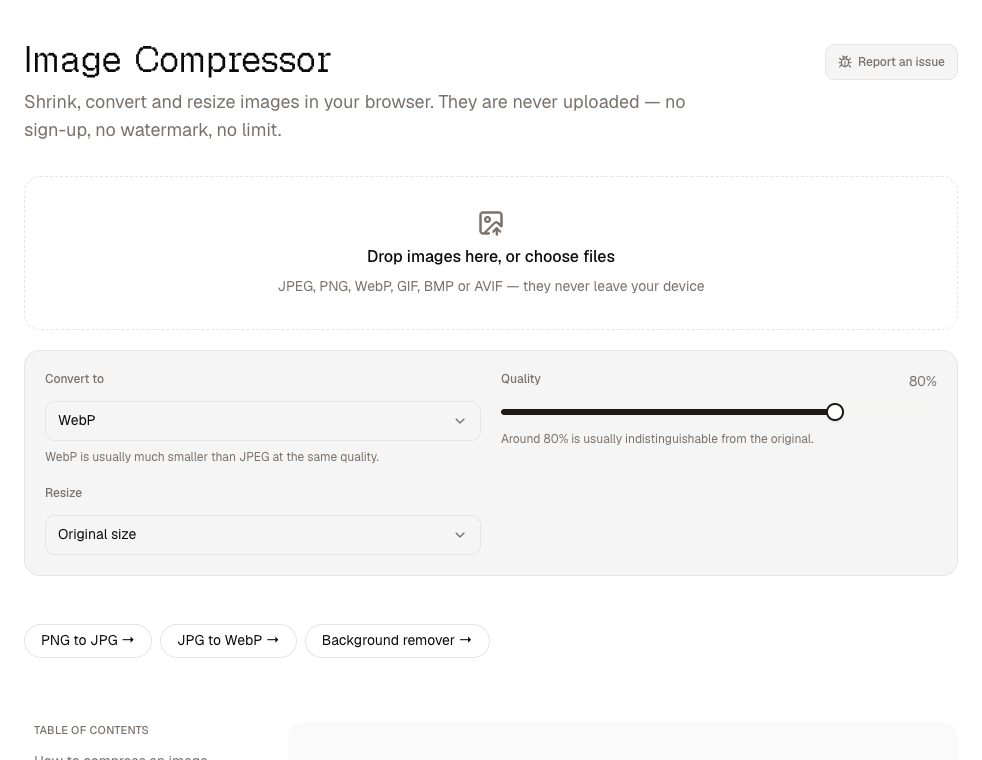
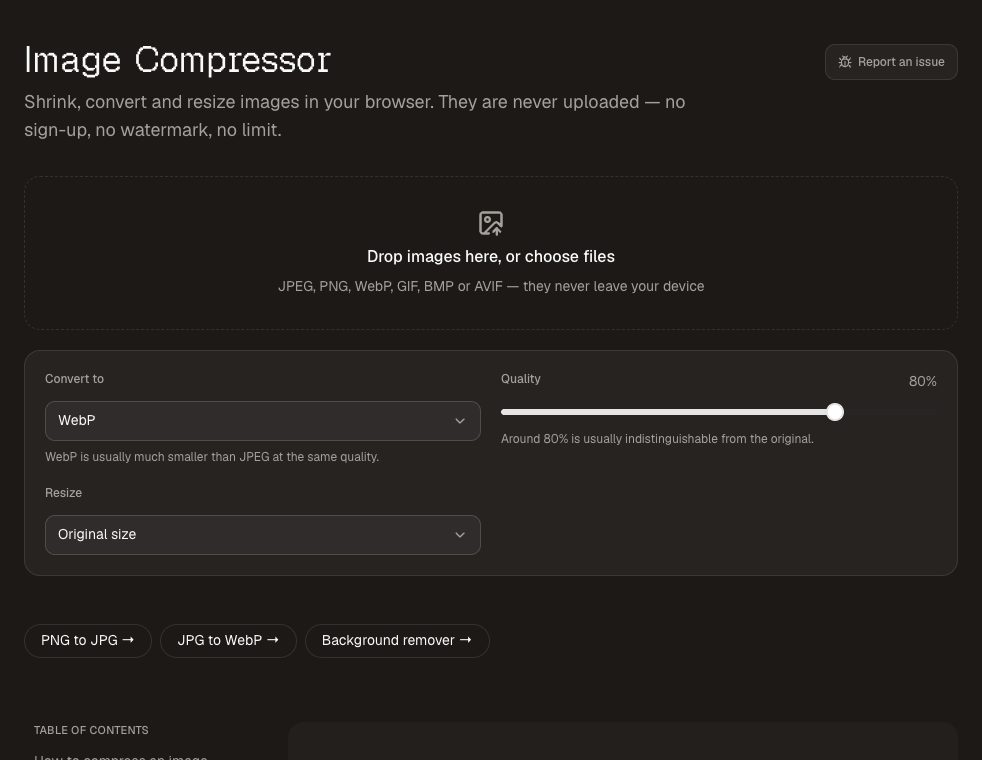
Images are usually the heaviest thing on a new site, and the easiest to fix. The image compressor resizes and re-encodes a batch of JPEG, PNG and WebP files, shows the saving on each, and downloads them as a zip. Resize to the largest size the layout actually displays — a 4000px photo in an 800px column is mostly wasted bytes — and convert photos to WebP with JPG to WebP . Screenshots and graphics with flat colour usually stay smallest as PNG.
4. Background Remover — product shots and team photos
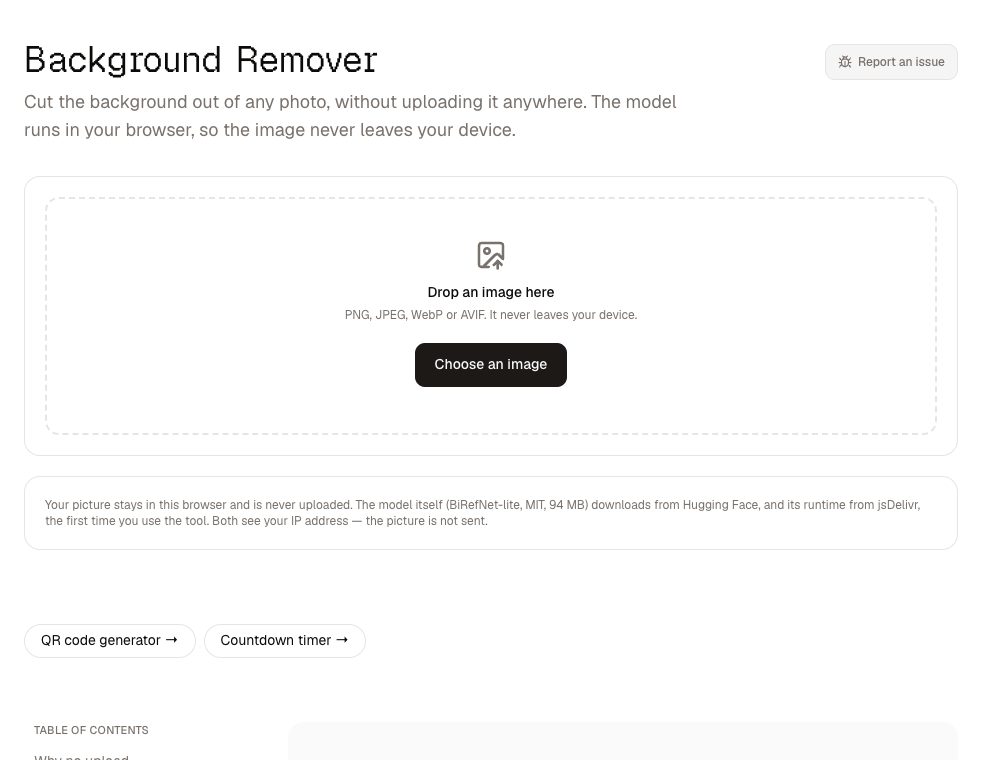
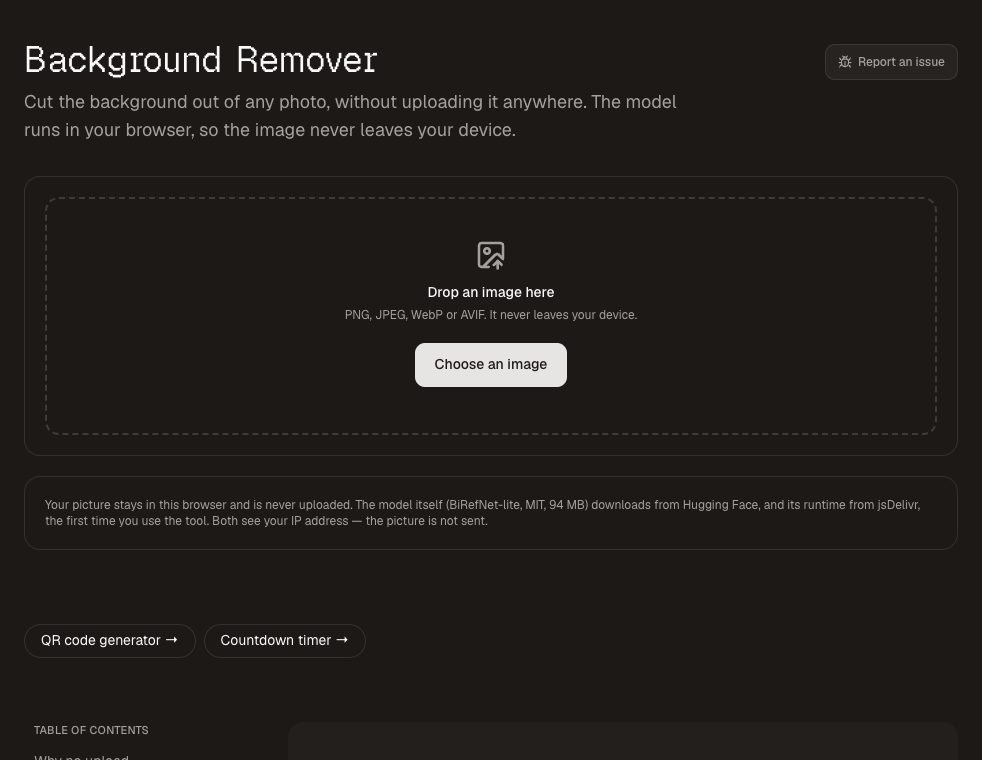
Product photos on white, or a row of team headshots on the same brand colour, make a new site look considered. The background remover cuts the subject out in the browser and saves a transparent PNG or puts it on a solid colour of your choice. Run the result through the compressor afterwards — a transparent PNG is rarely small.
5. Password Generator — before the admin panel goes public
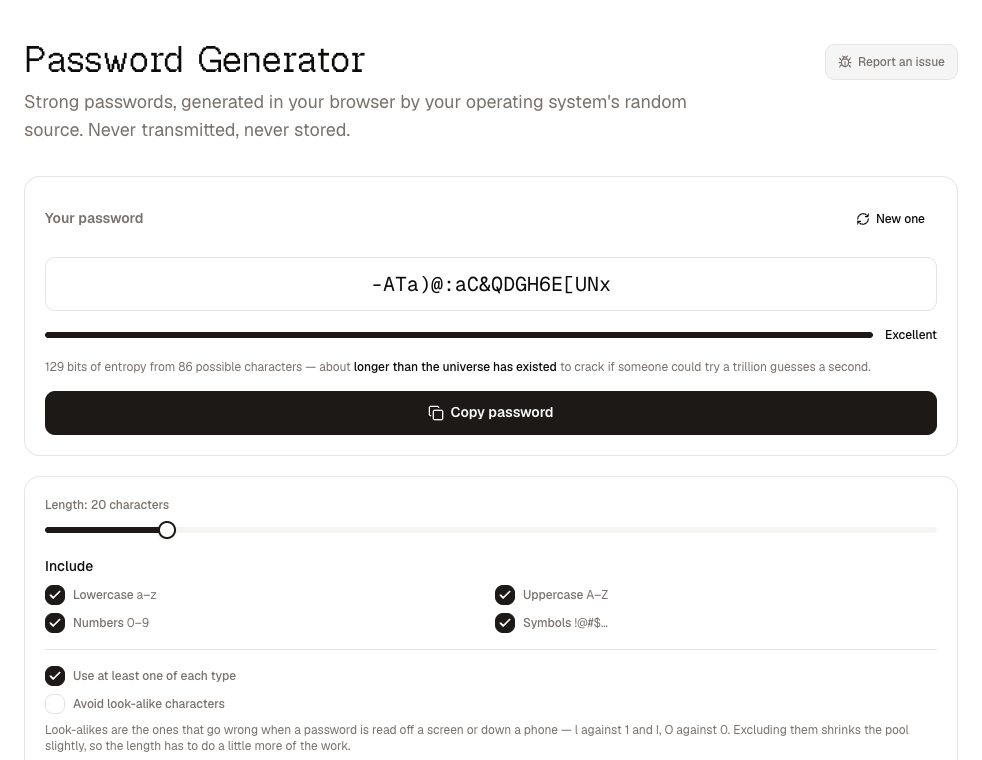
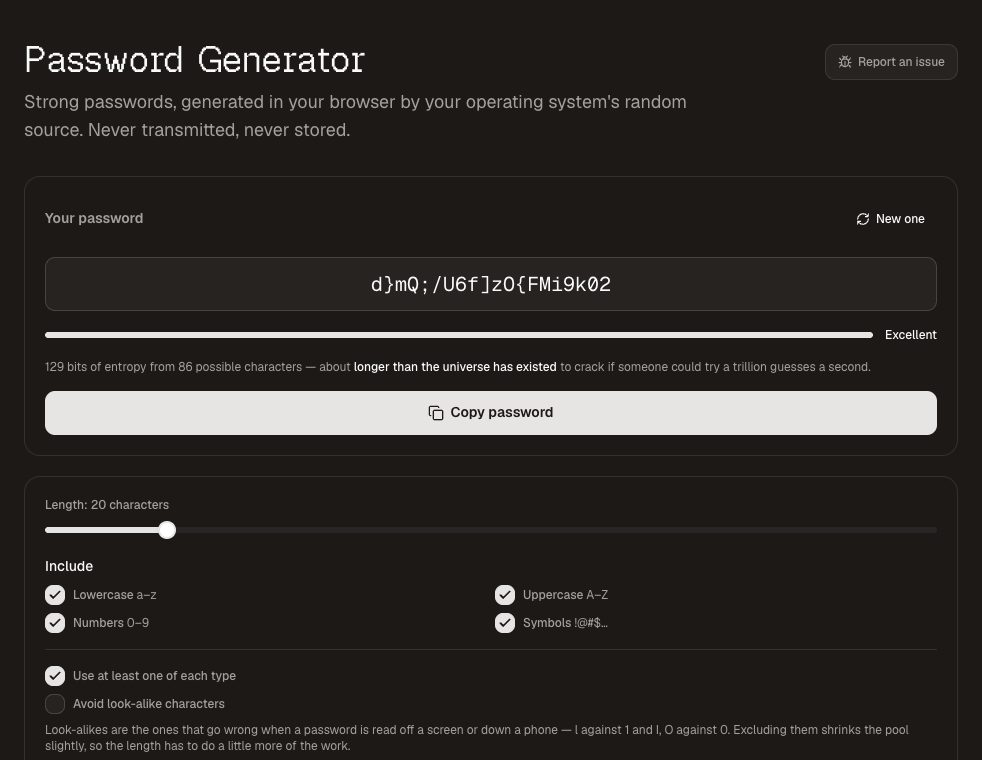
Launch day is when the "admin / admin123" set up during development stops being funny. The password generator makes strong passwords for the CMS, the database and the hosting account from your operating system's cryptographic random source, and shows the entropy so you can see how strong is strong. It is generated in the page and never sent anywhere. Put it straight into a password manager.
6. QR Code Generator — the printed half of the launch
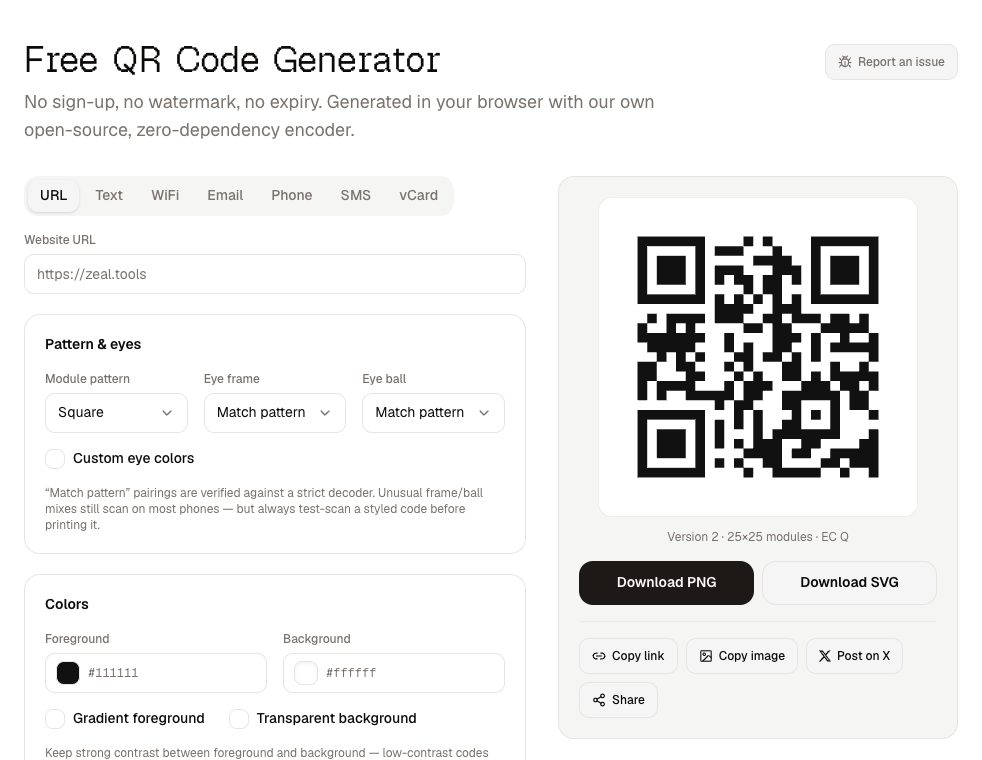
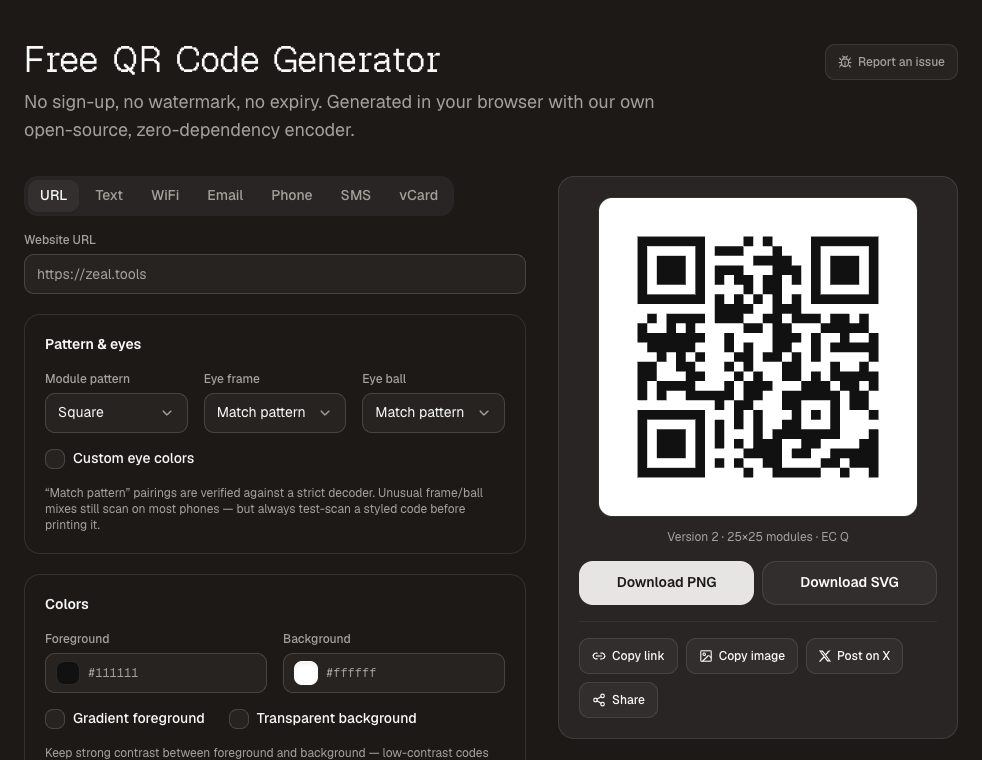
Flyers, posters, business cards and the slide at the launch event all want a way back to the site. The QR code generator makes static codes — the URL is in the pattern itself, so they never expire and do not route your visitors through a third party's tracking redirect. Download SVG for anything printed, so it stays sharp at any size, and test-scan it with a couple of phones before you send two thousand flyers to the printer.
A last-mile checklist
- Favicon set generated and the markup in the
<head>. - Every page has a title, a description and an absolute
og:image— checked in all five previews. - No image larger than the layout displays it; photos in WebP.
- Default and development passwords replaced and stored in a password manager.
- QR codes for printed material generated as SVG and test-scanned.
Every one of these tools is free, open source and needs no account — which is the right amount of paperwork for the last day of a project.